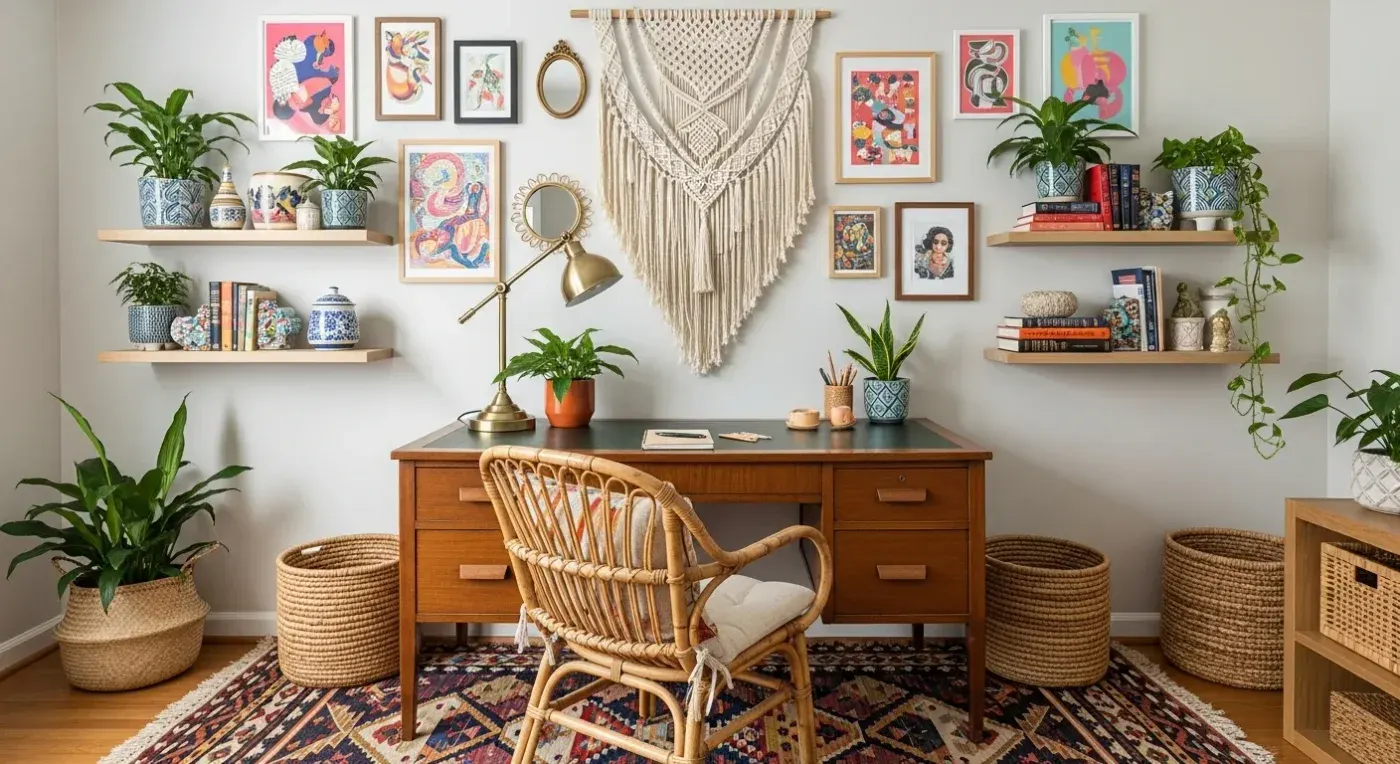
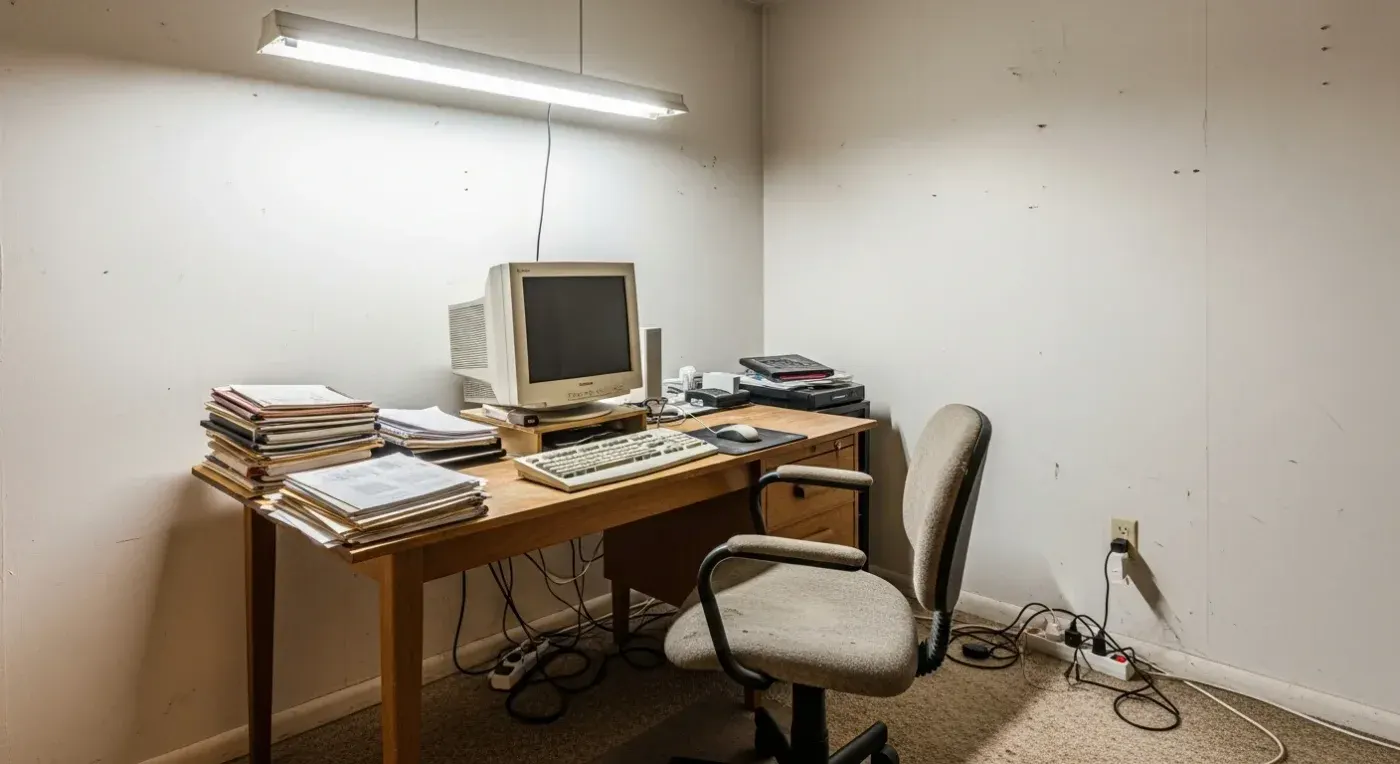
↔
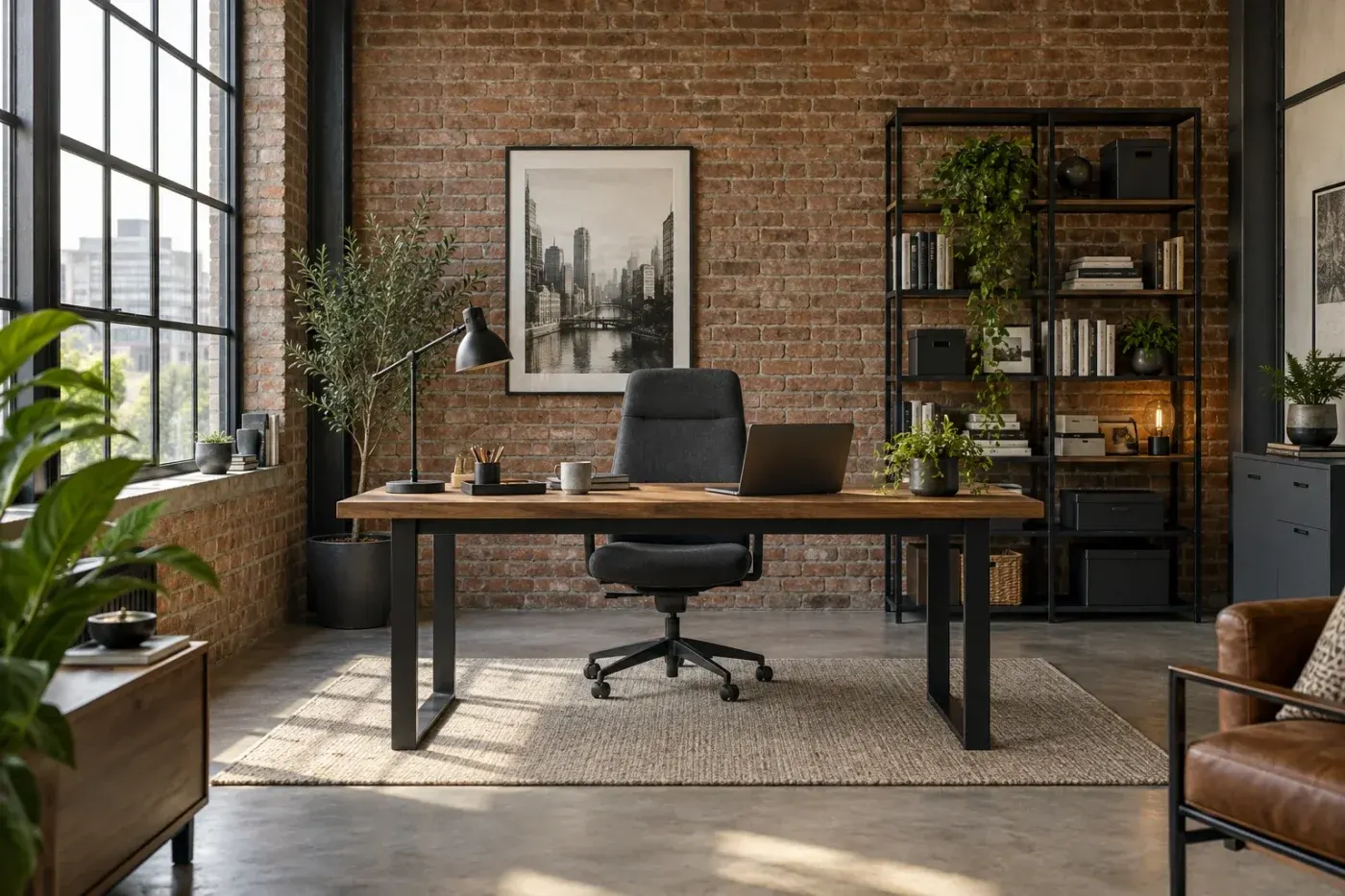
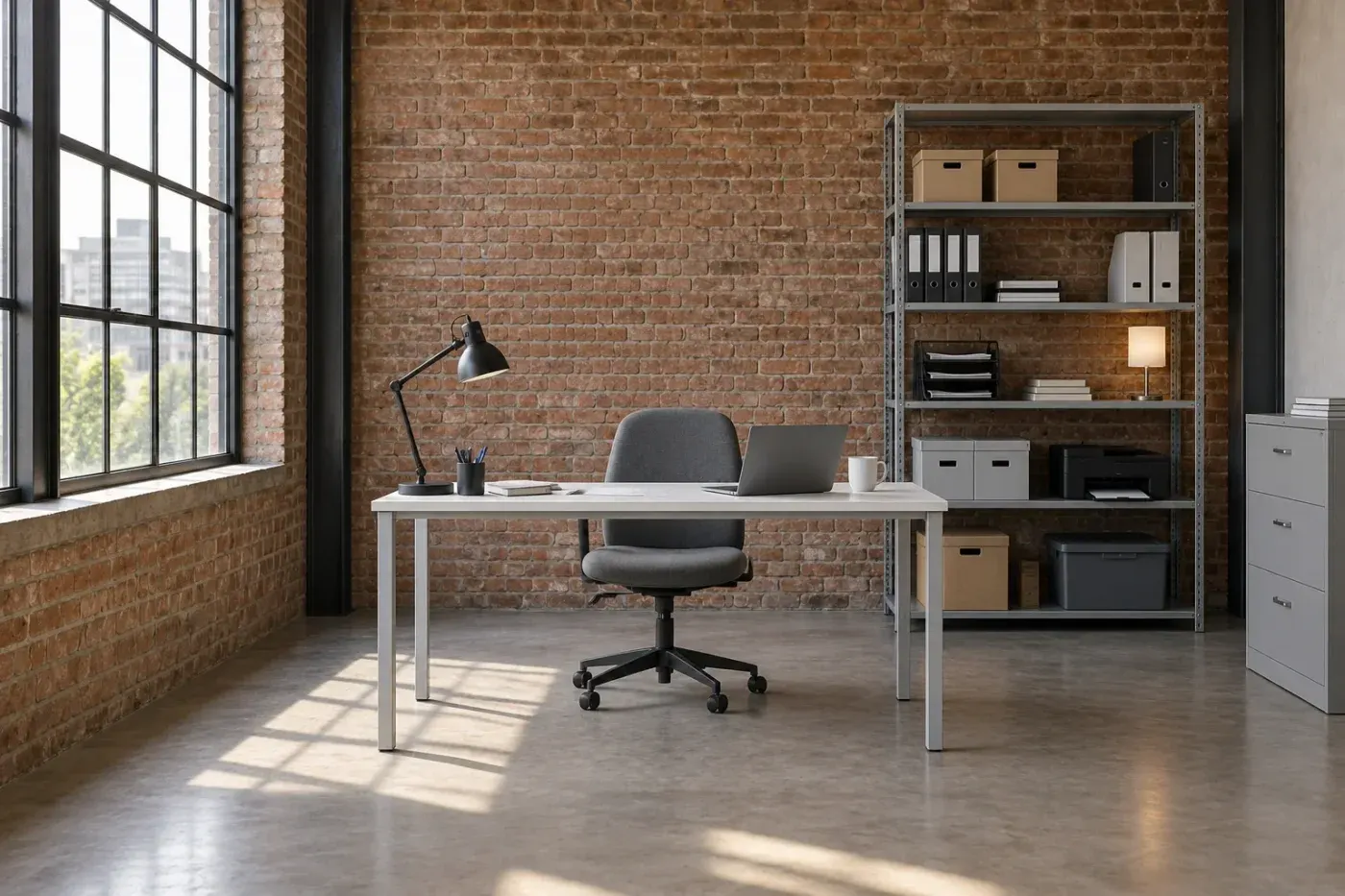
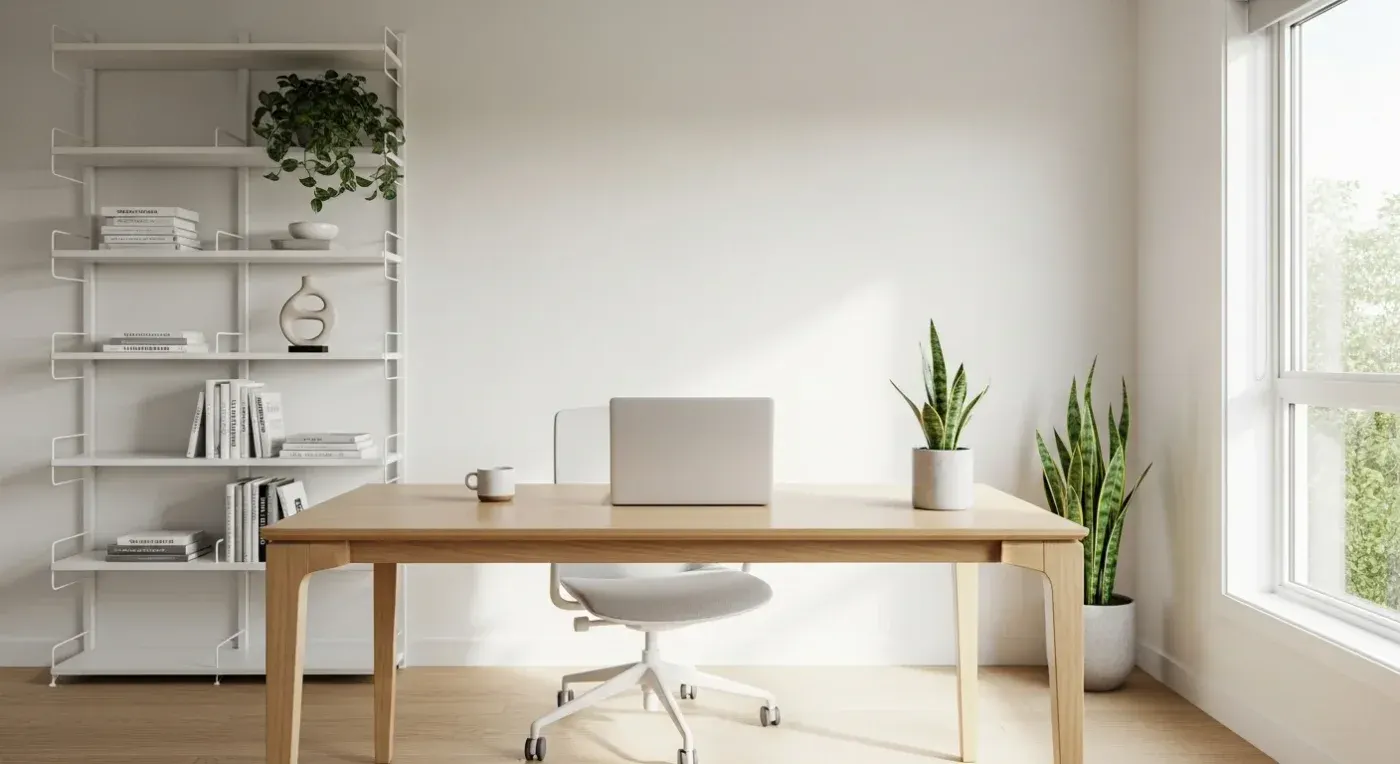
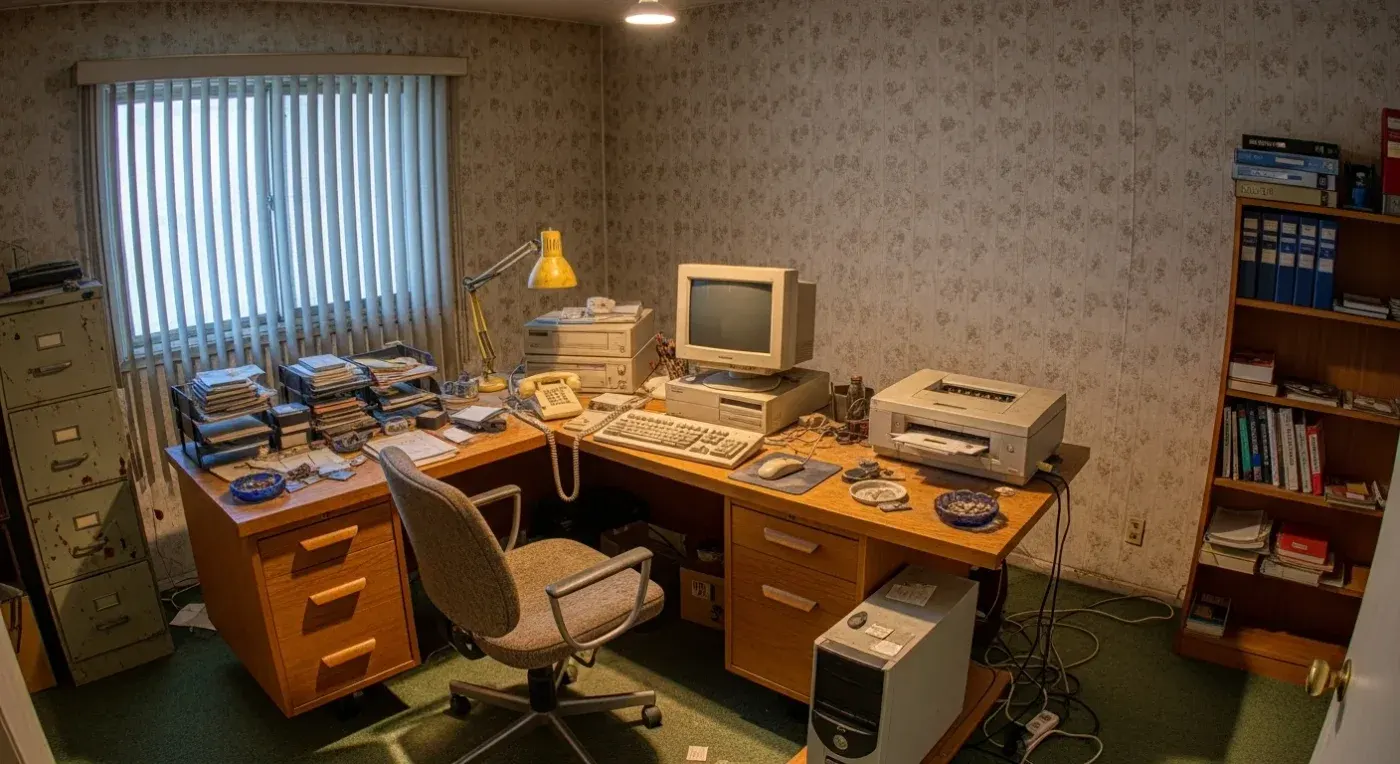
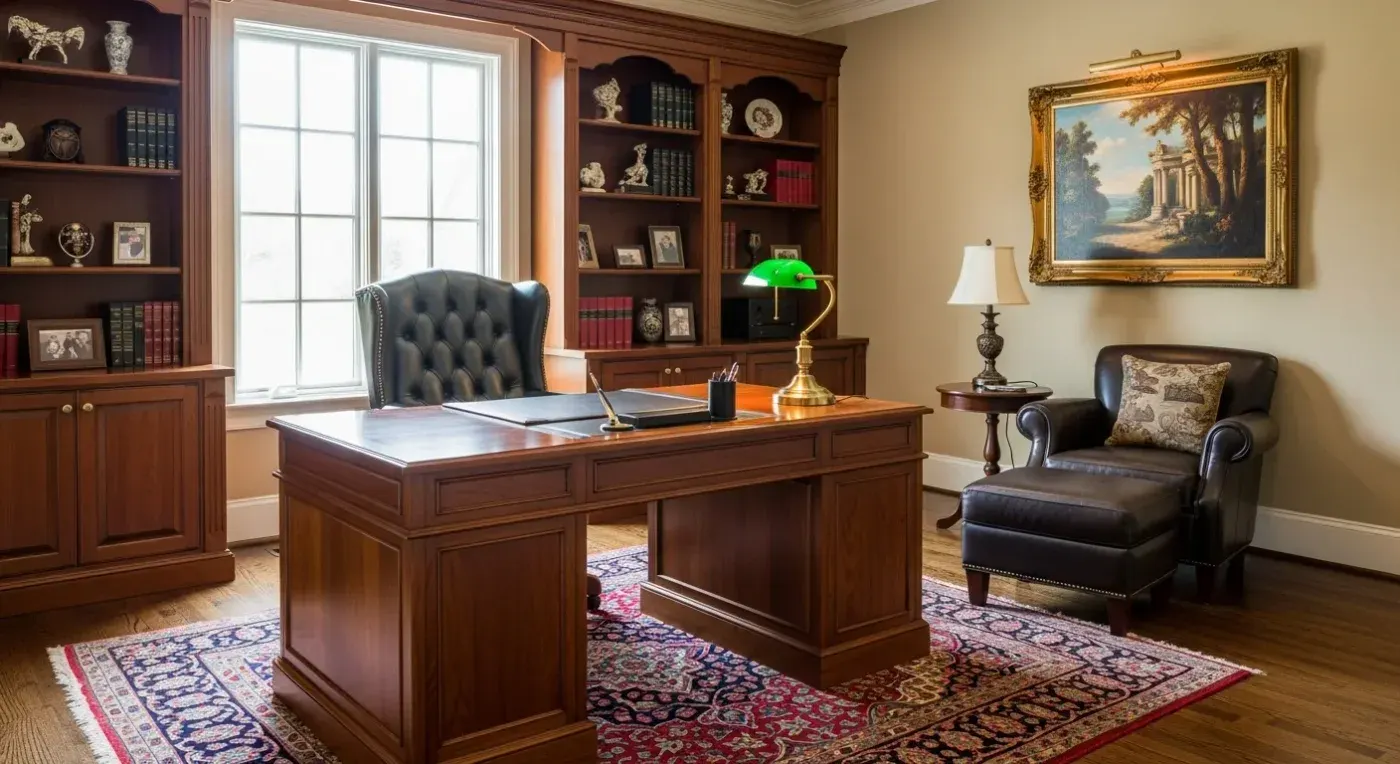
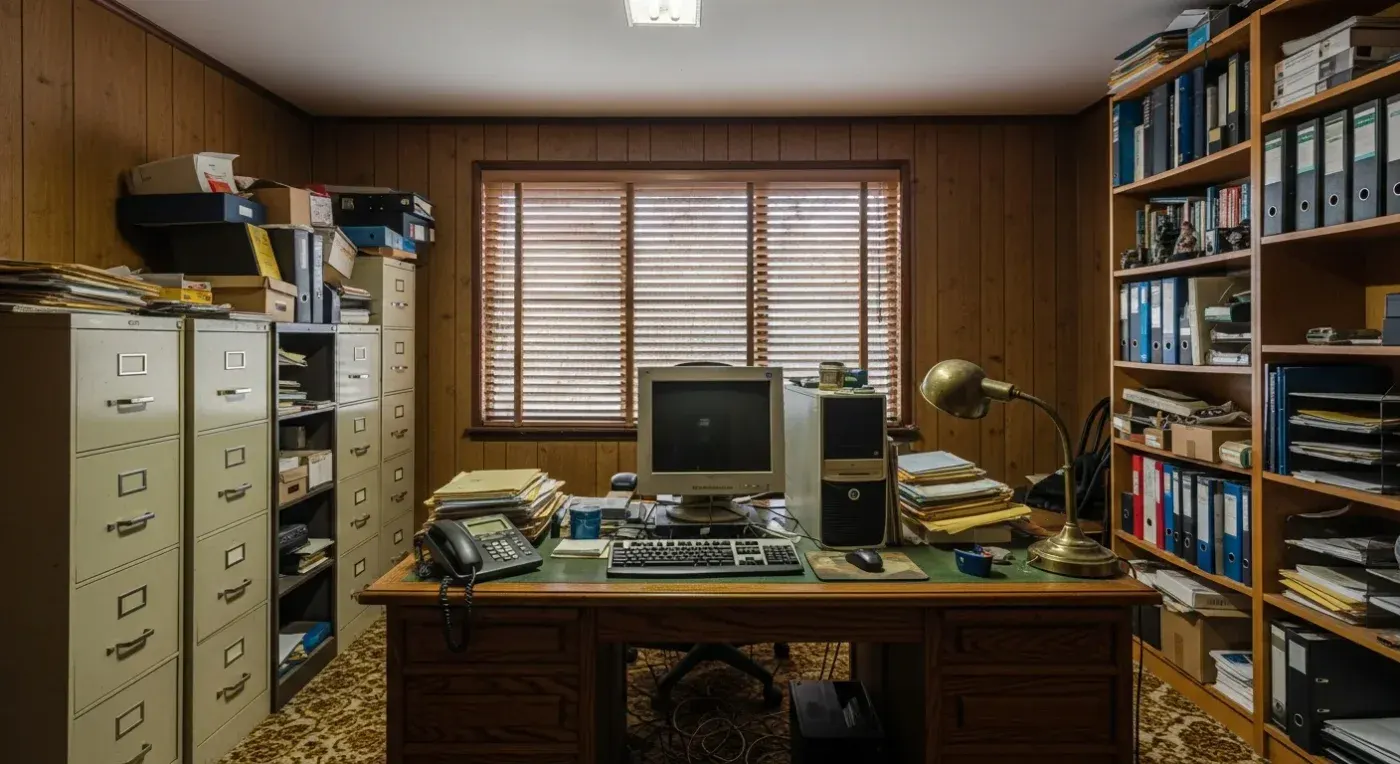
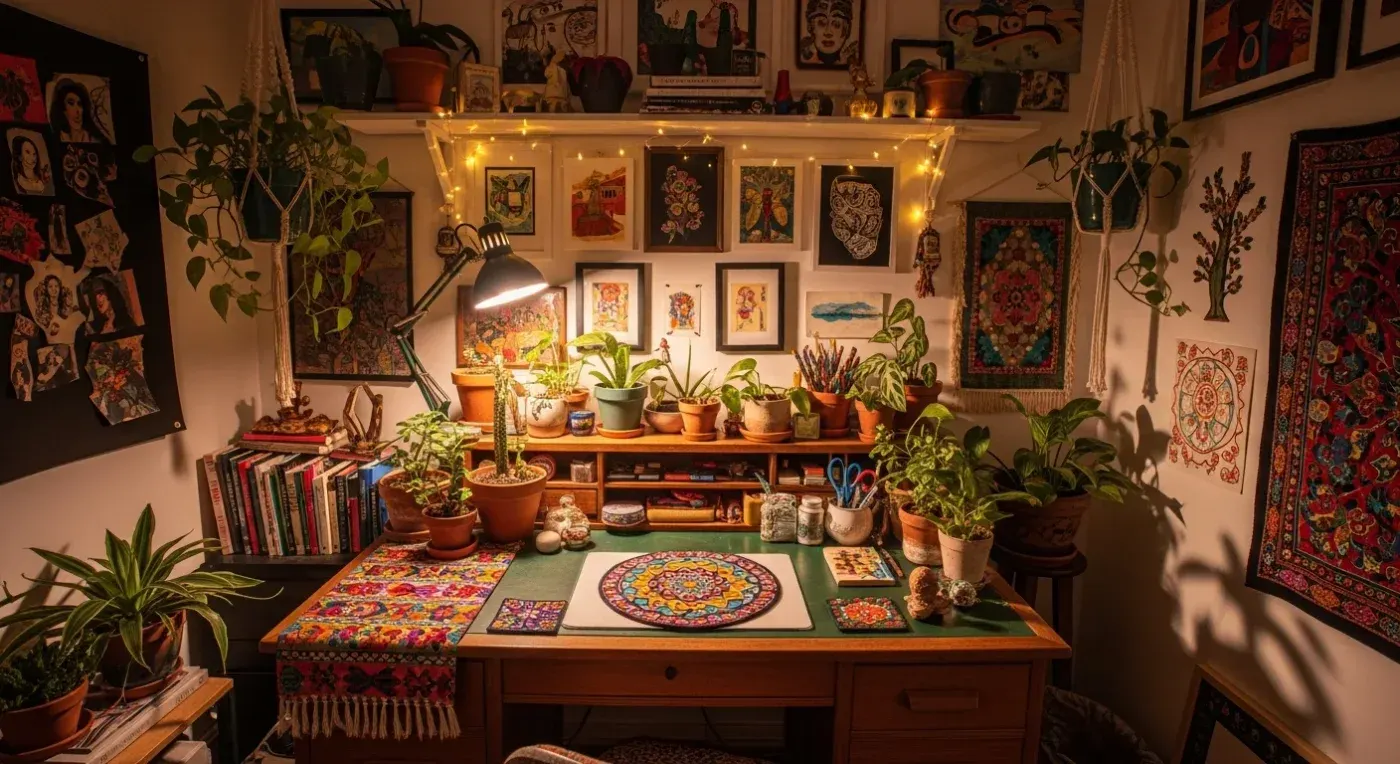
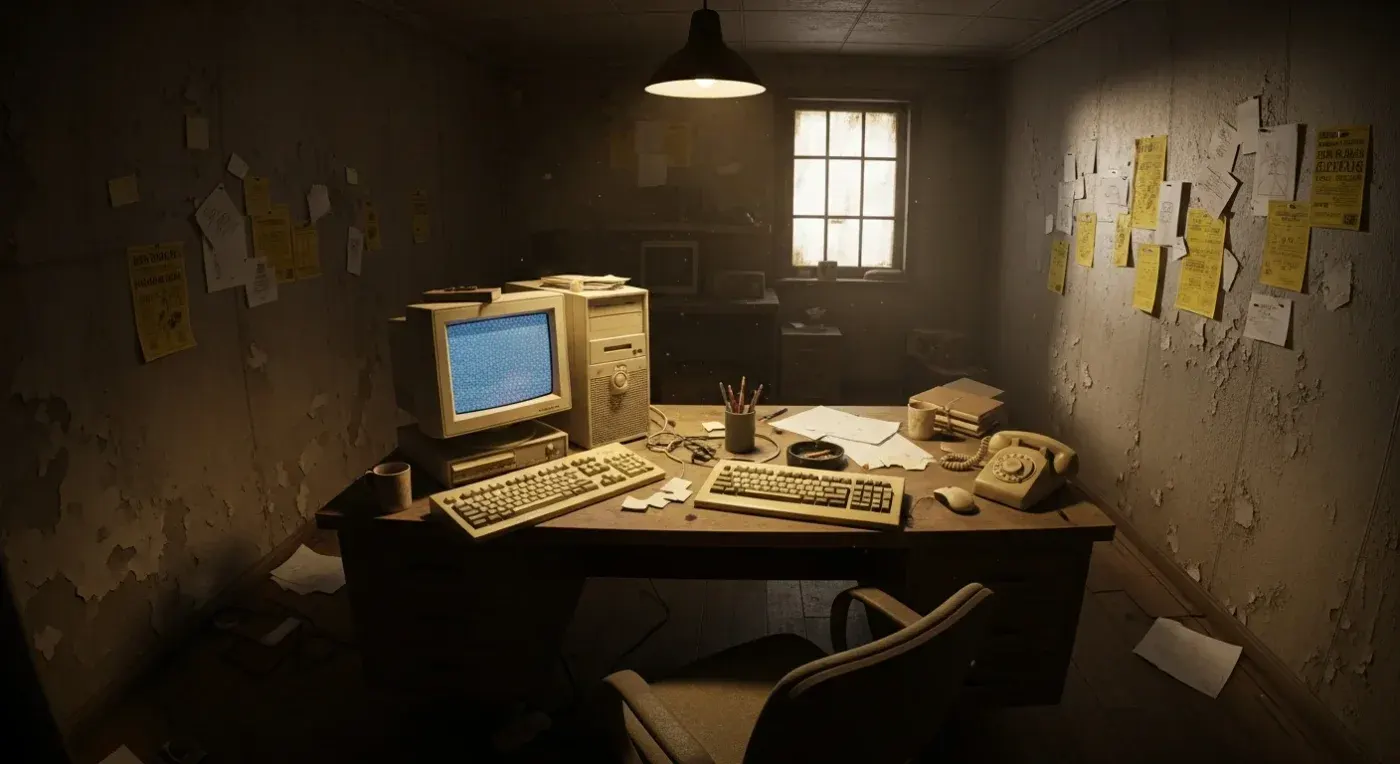
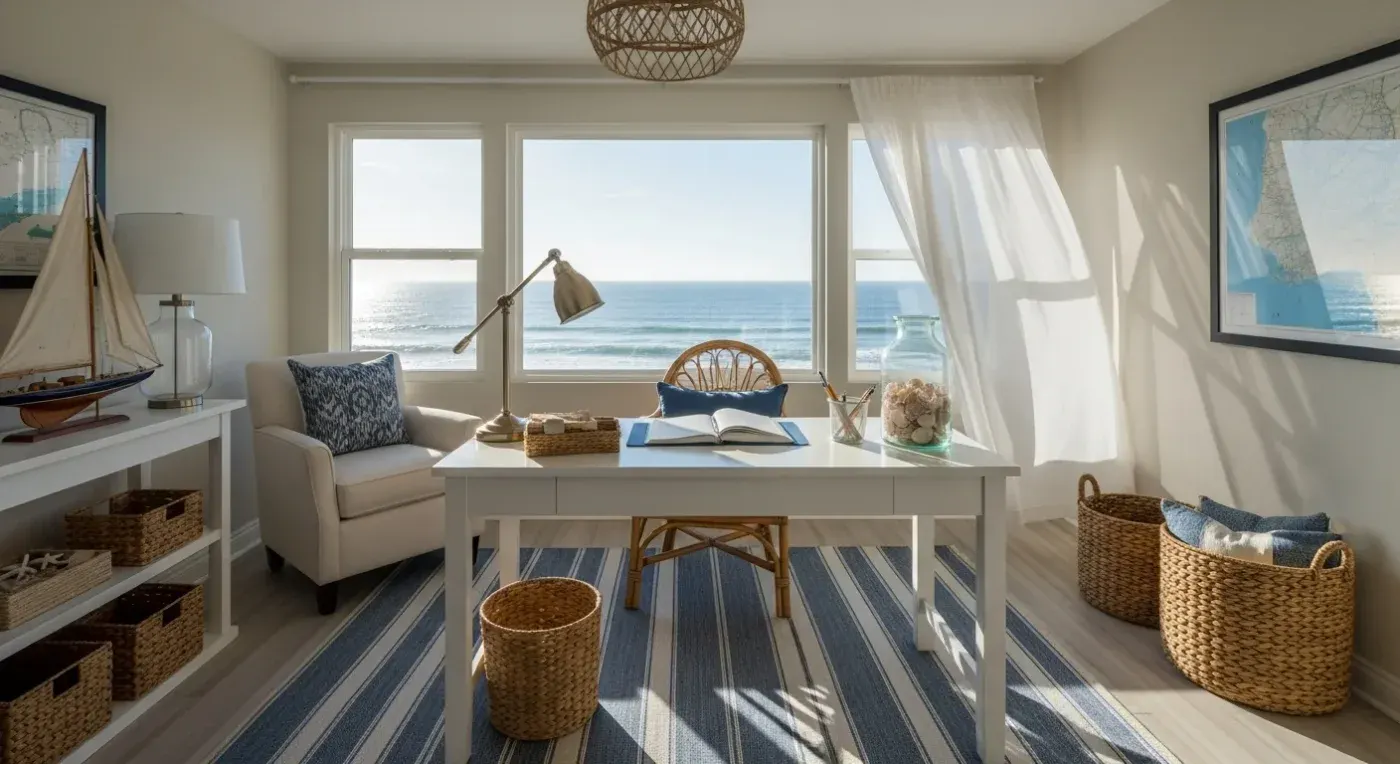
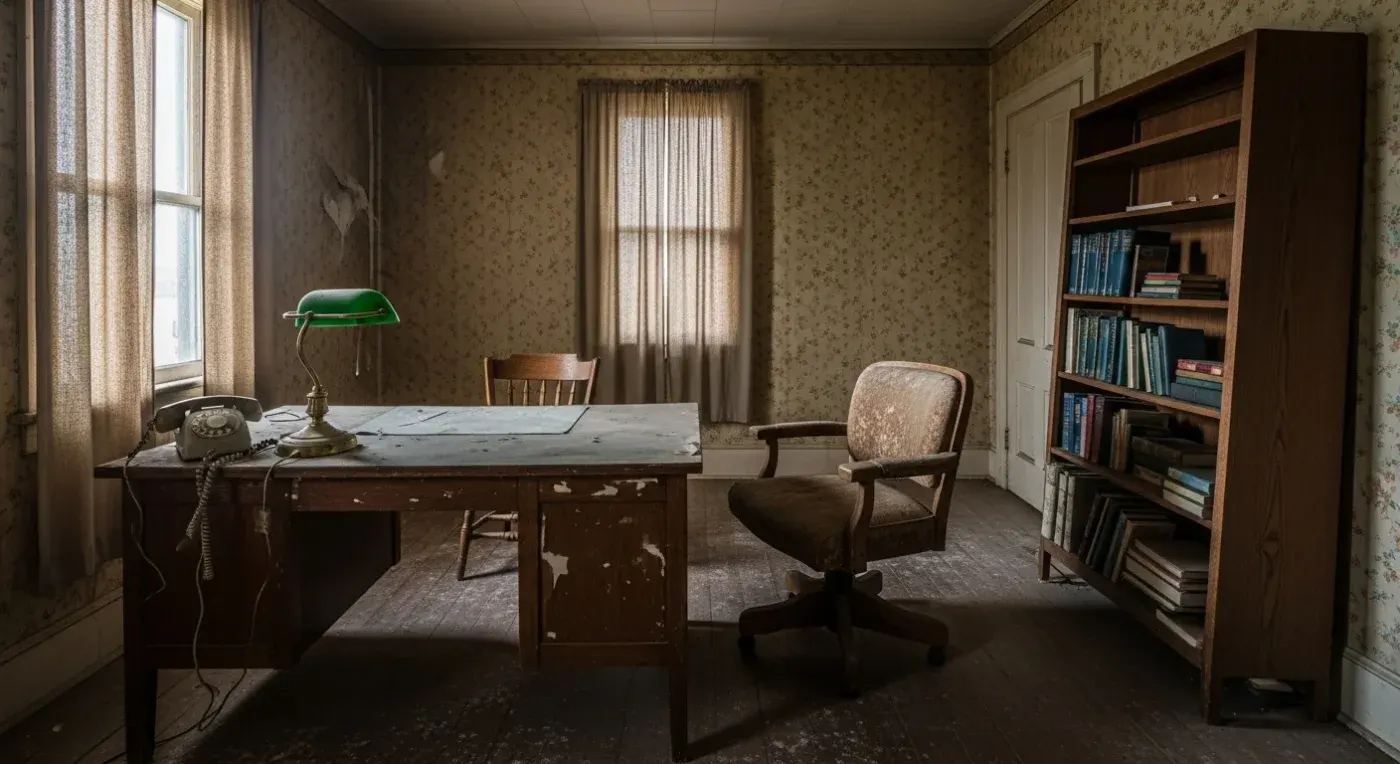
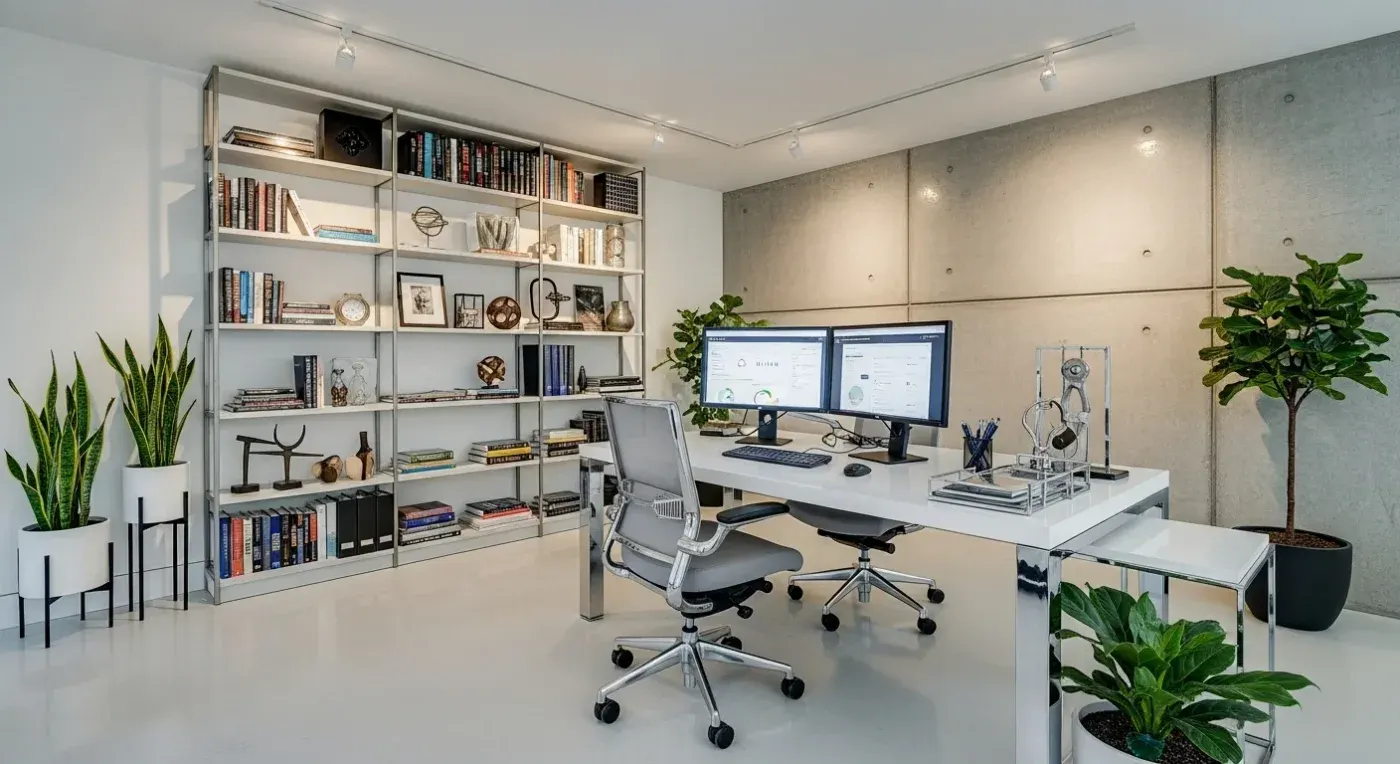
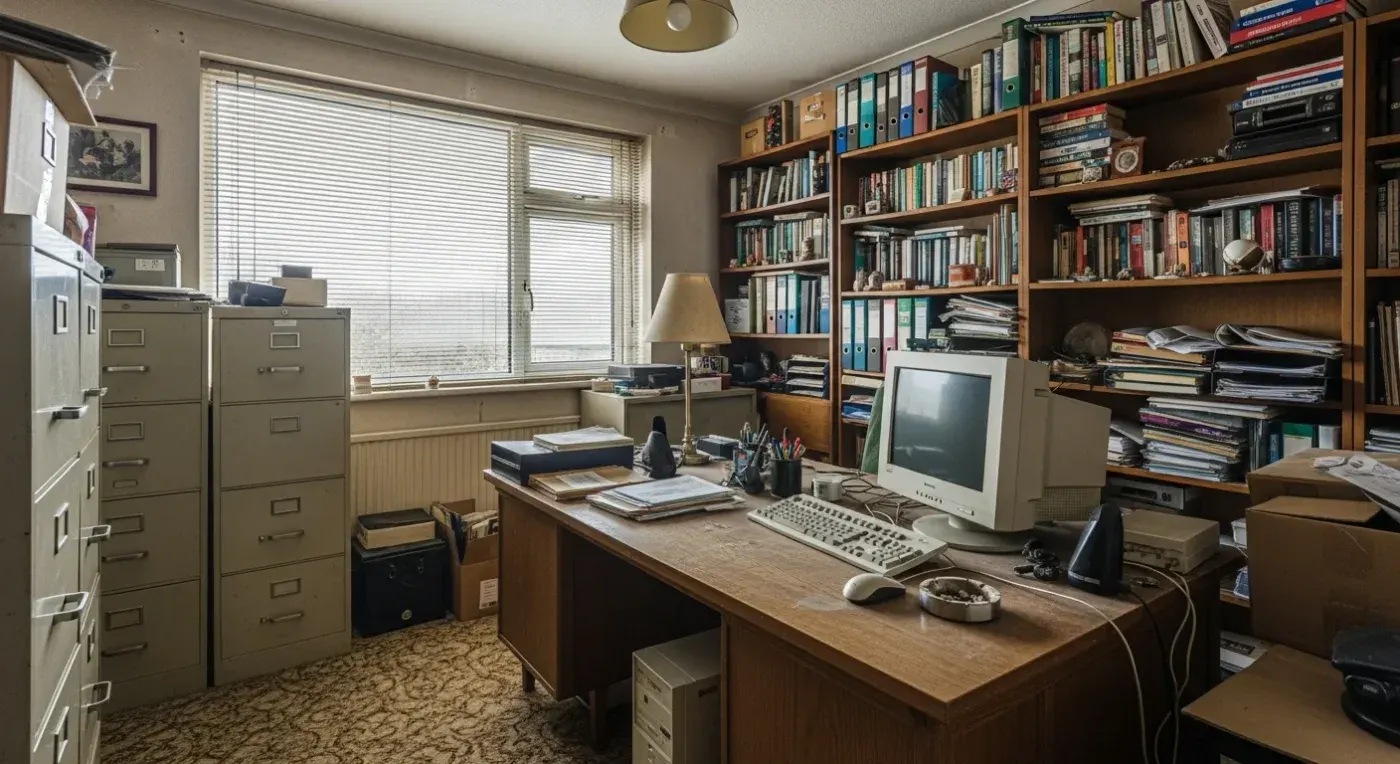
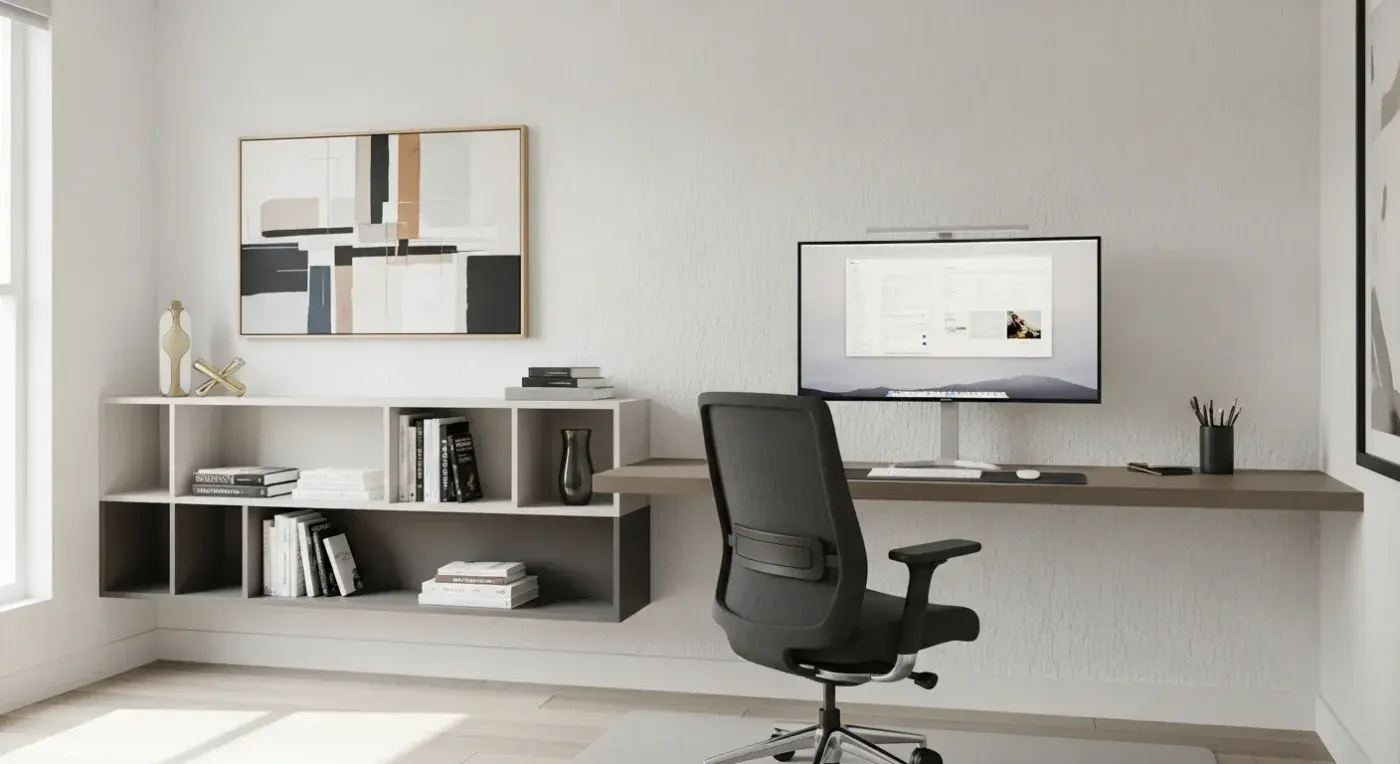
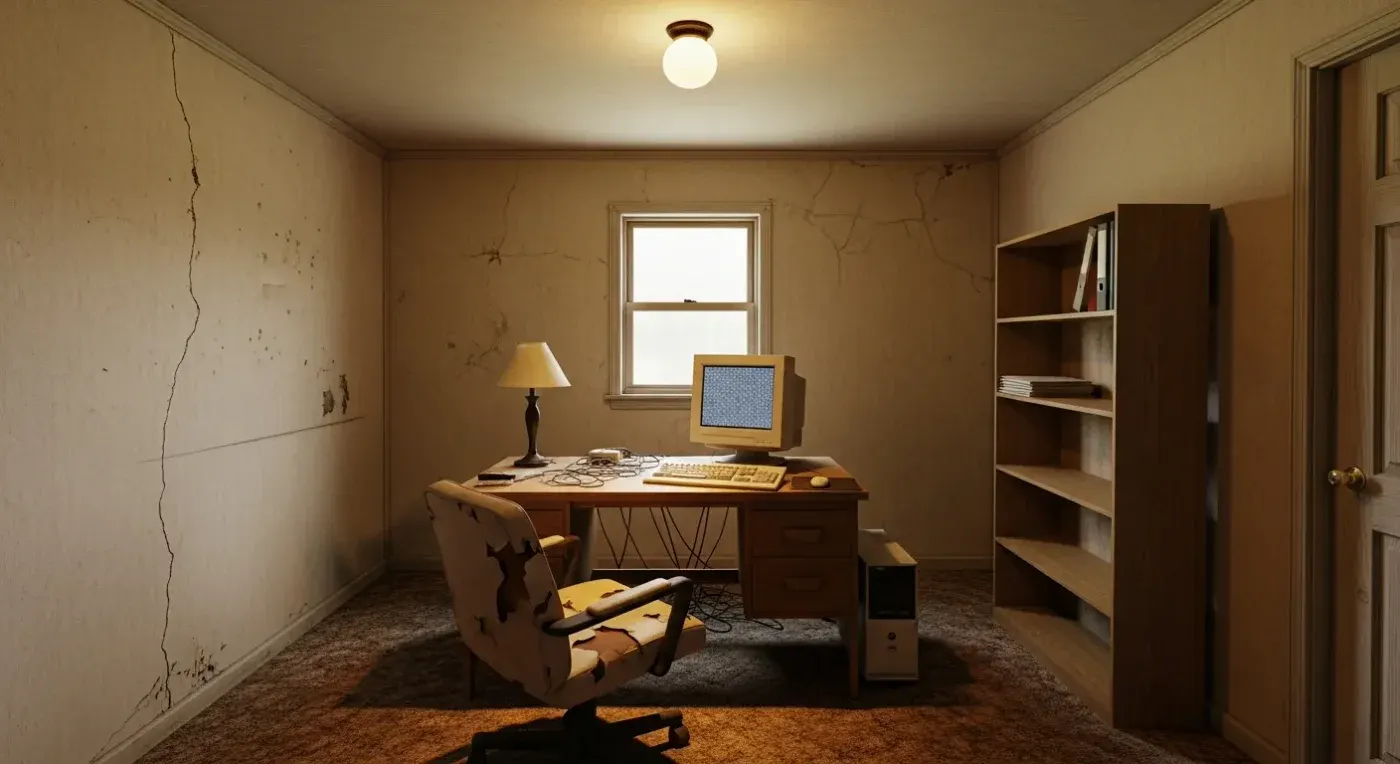
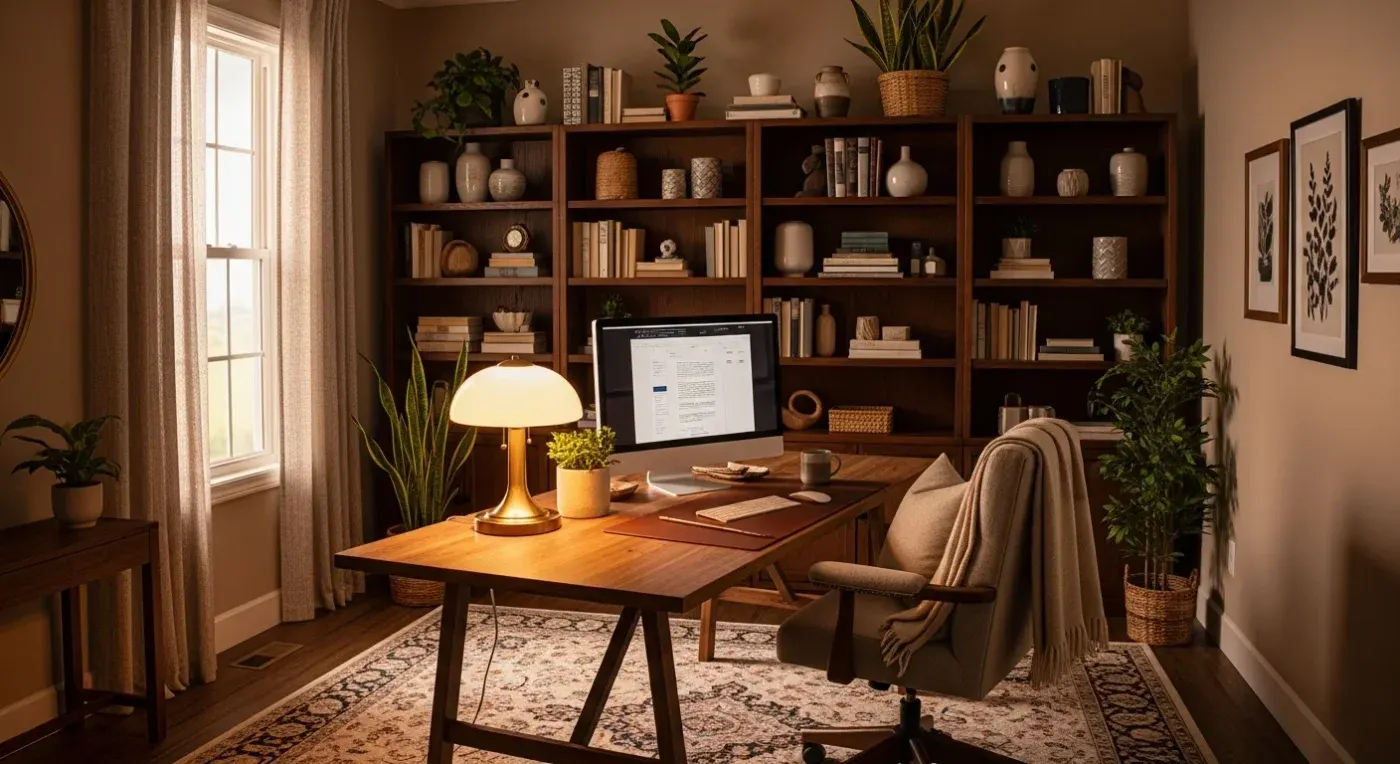
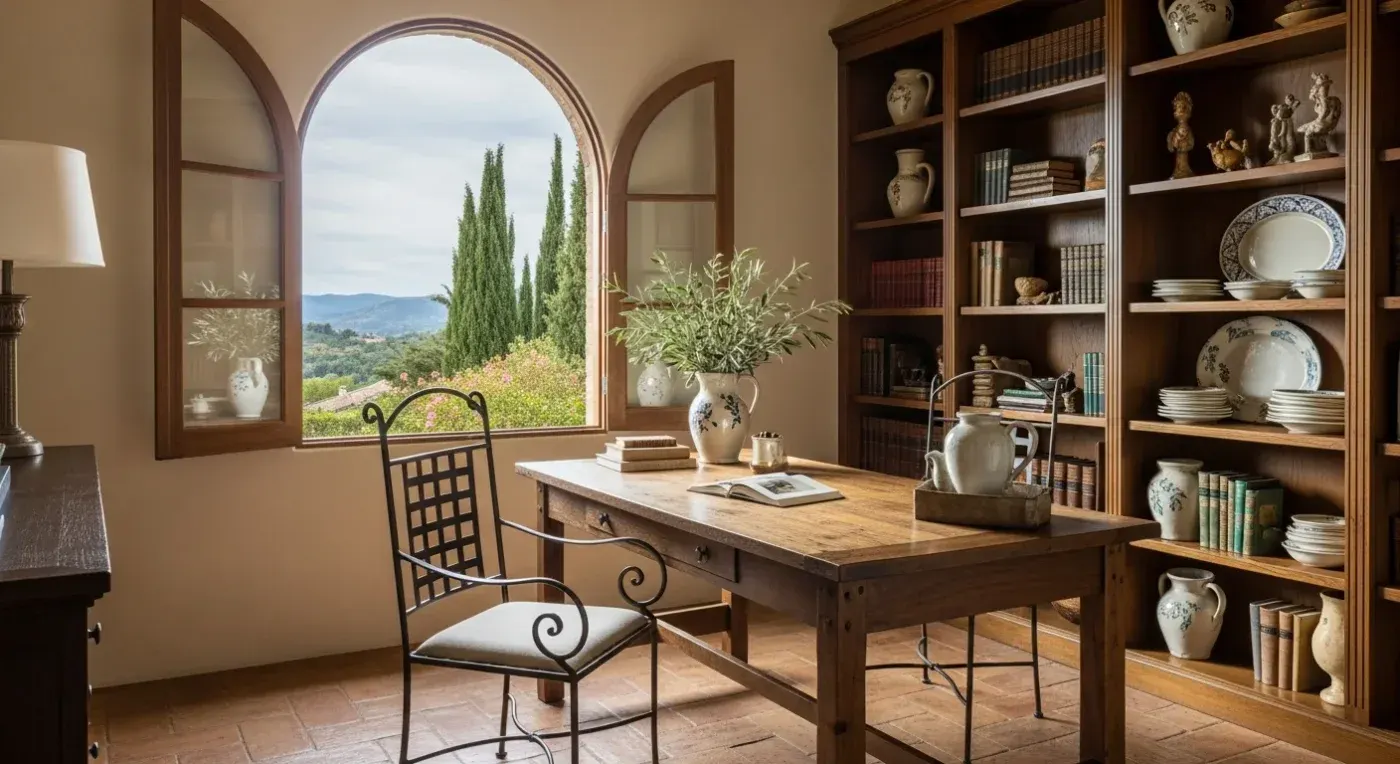
Explore a work area that suits the way you use it. Start with an office photo and compare desk placement, storage, finishes and a different visual atmosphere.
1–6 / 8
Upload your office, describe how you work and compare the design direction.
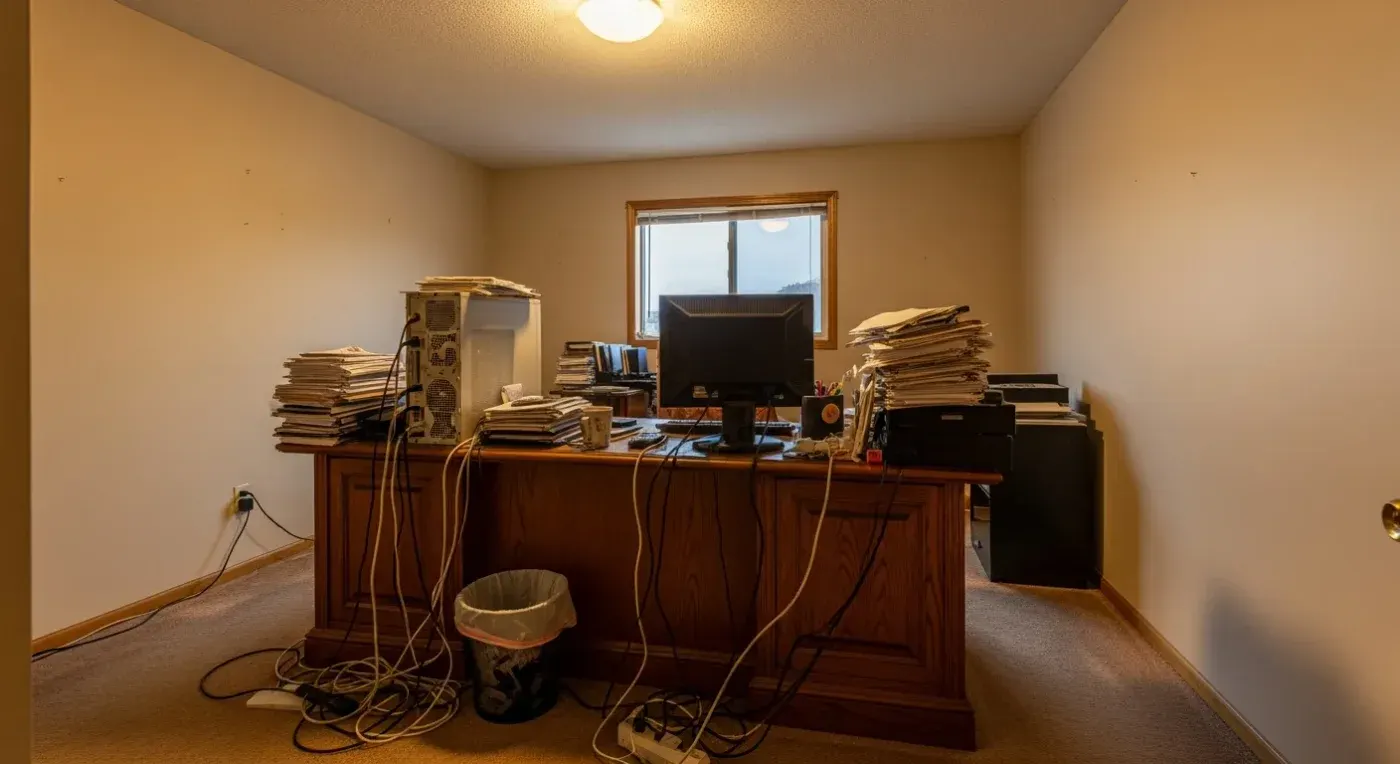
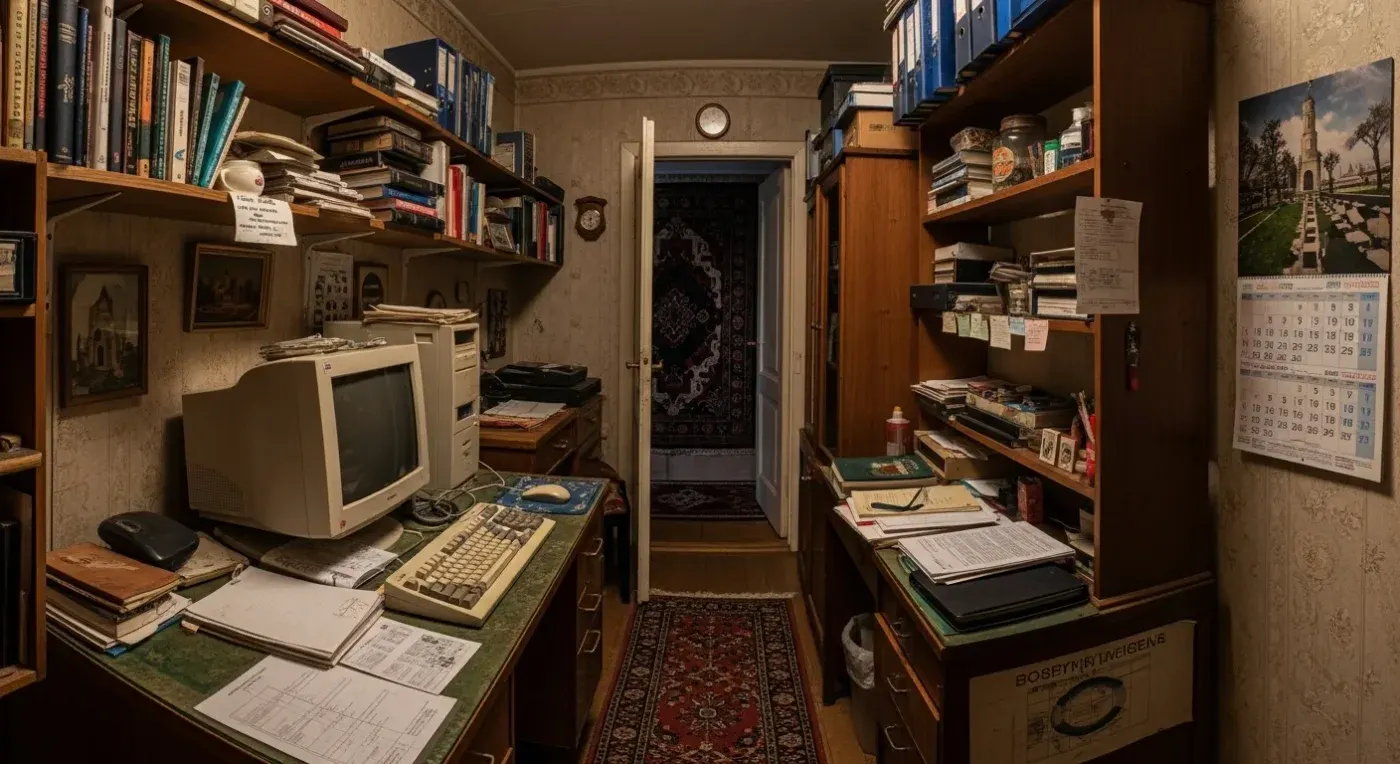
Upload a photo of your office, home workspace or study with the desks, storage and windows visible.
Describe your work habits, preferred desk style, storage and meeting needs.
Choose image quality and the number of designs. Review the credit estimate before generating your concept.
Compare the original photo with the new design
Explore office furniture, storage and style ideas from your workspace photo. Describe desk, seating and circulation needs, and select a style. Check actual desk dimensions, reach distances and lighting requirements before changing the workspace.
Explore a coordinated office scheme around the space you already have.
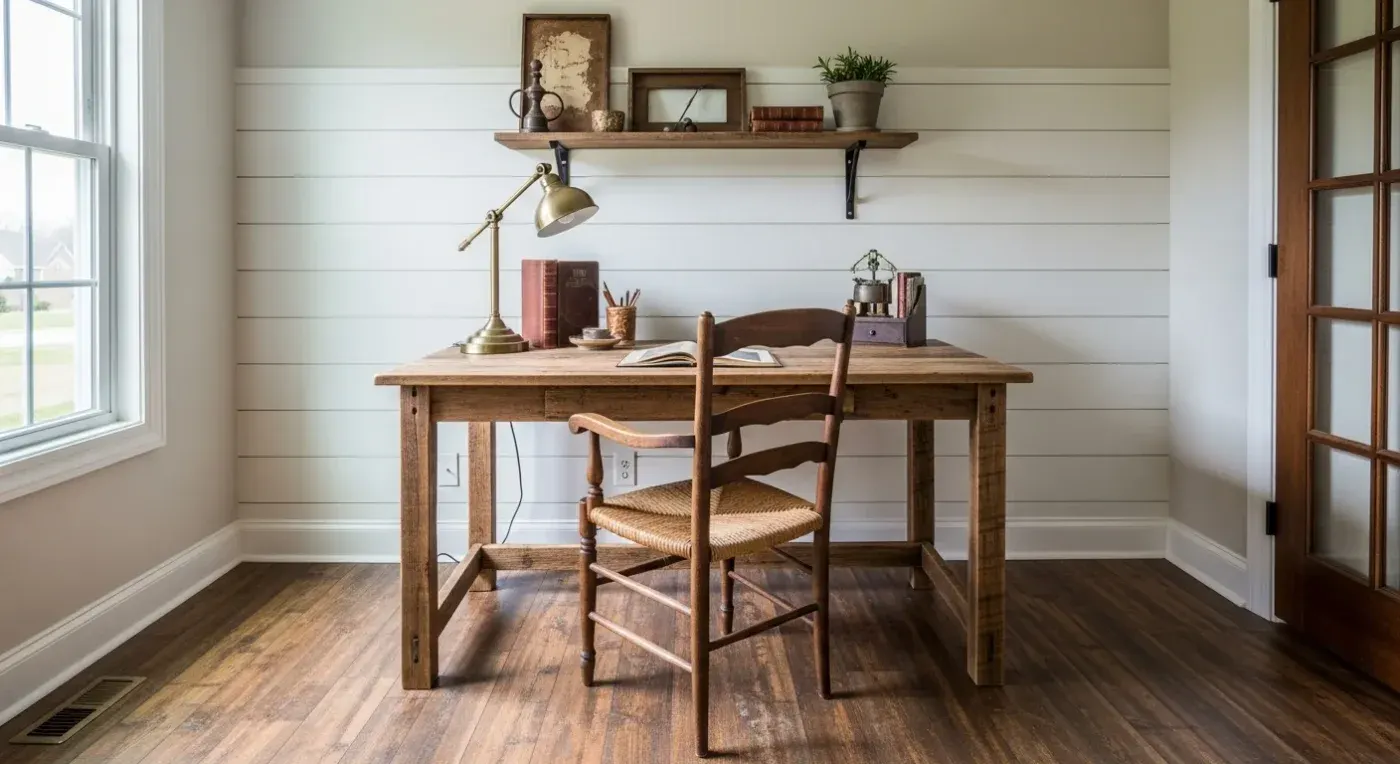
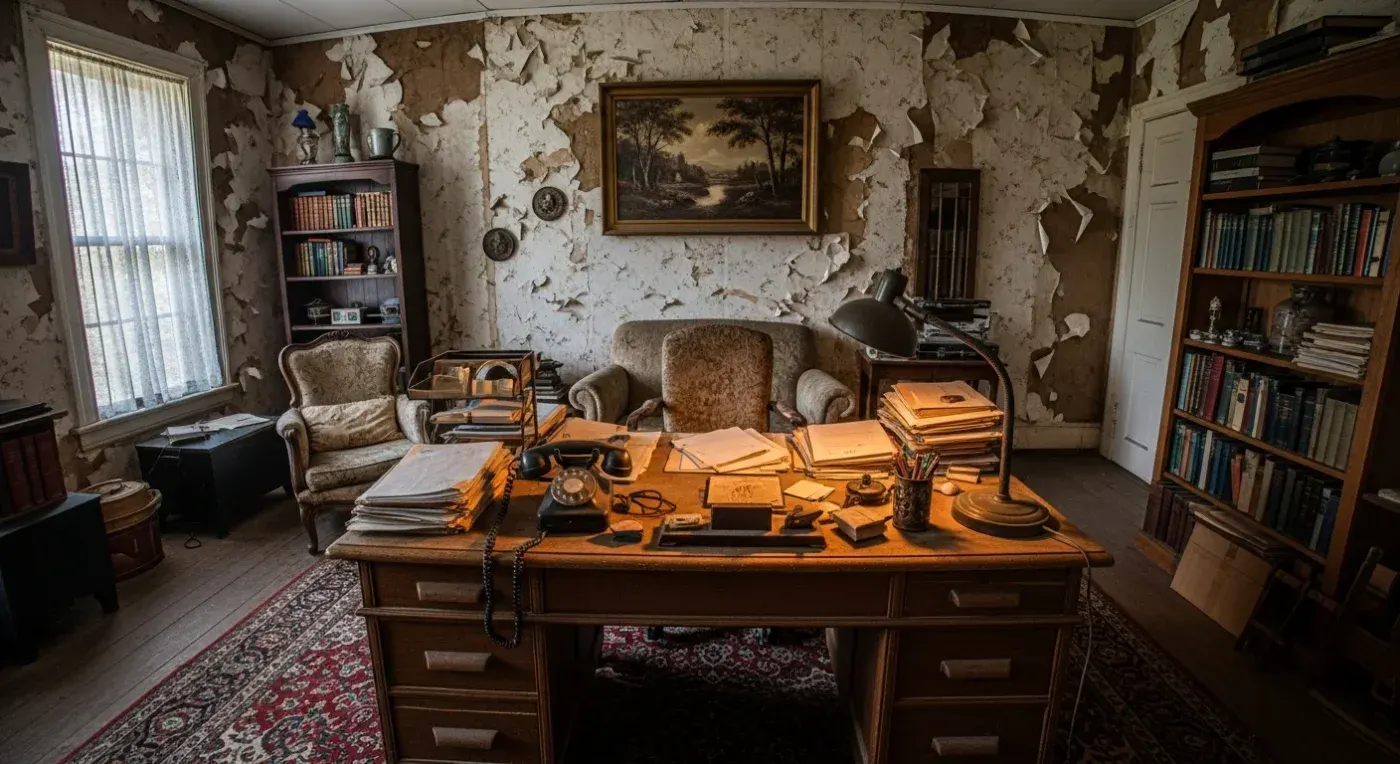
Compare visual arrangements for your workstation and supporting furniture.
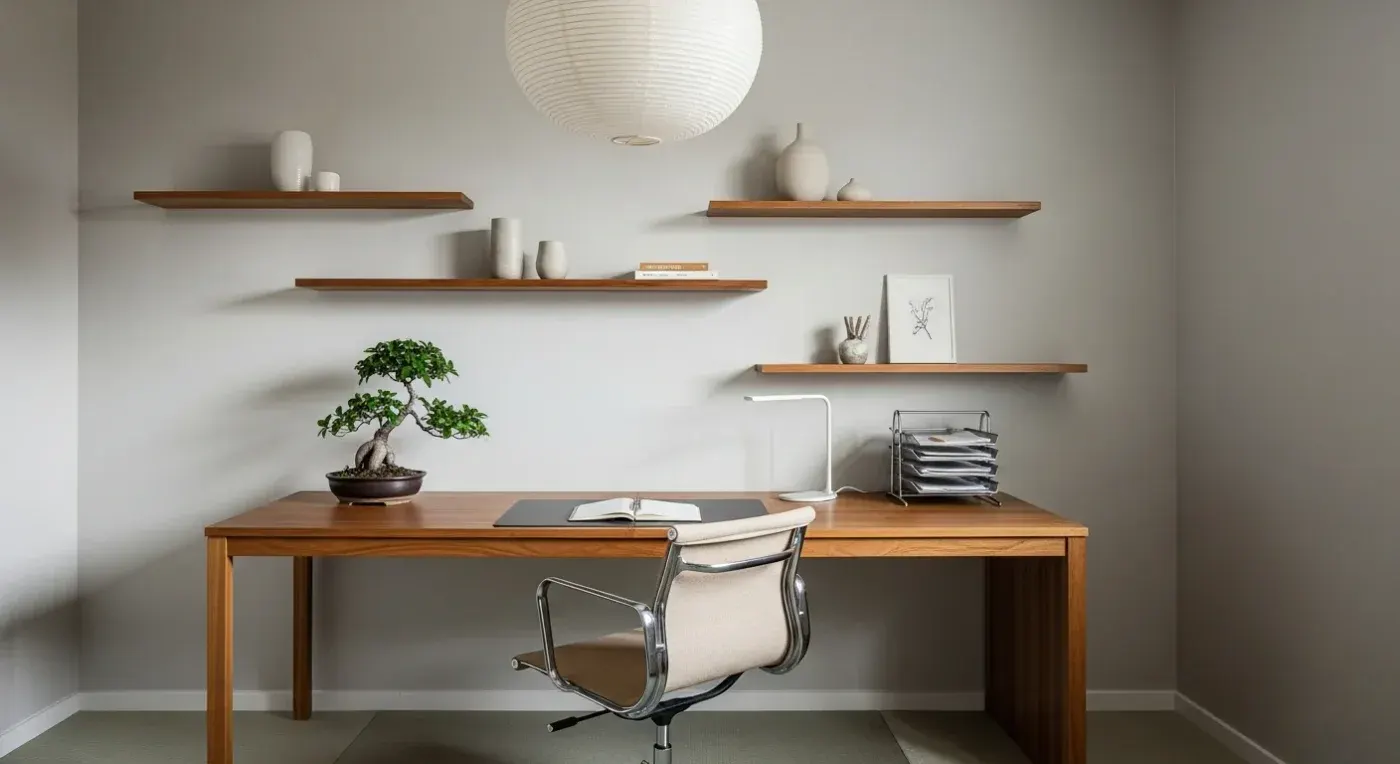
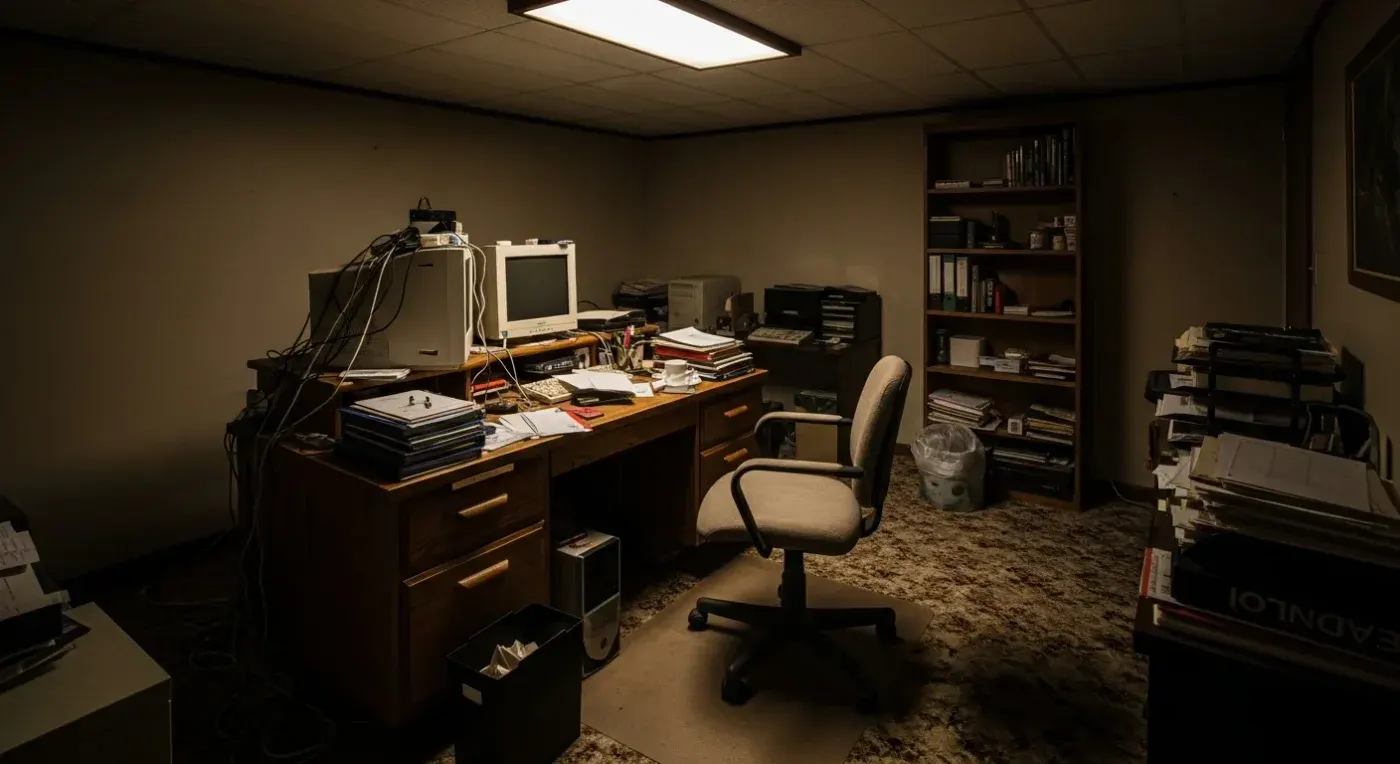
Explore a consistent direction for desks, shelving and office materials.
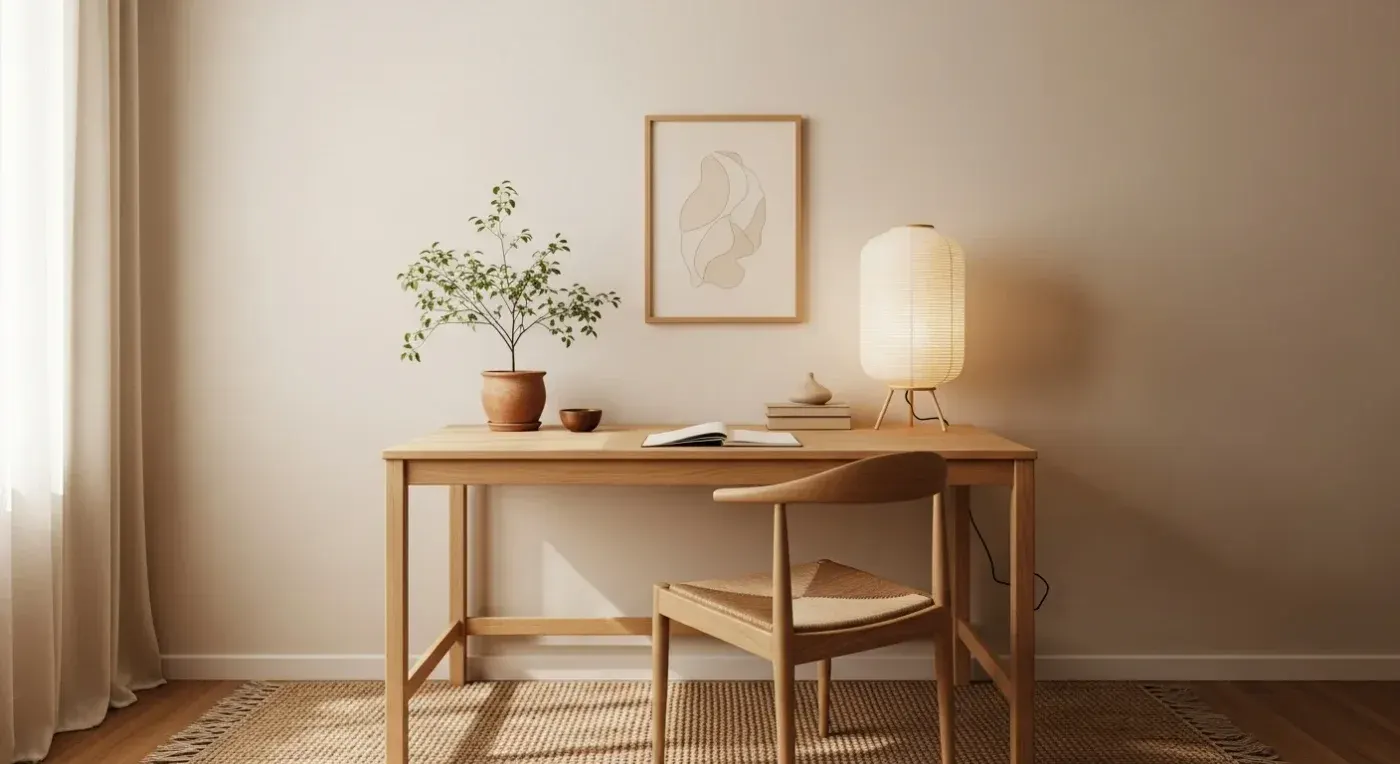
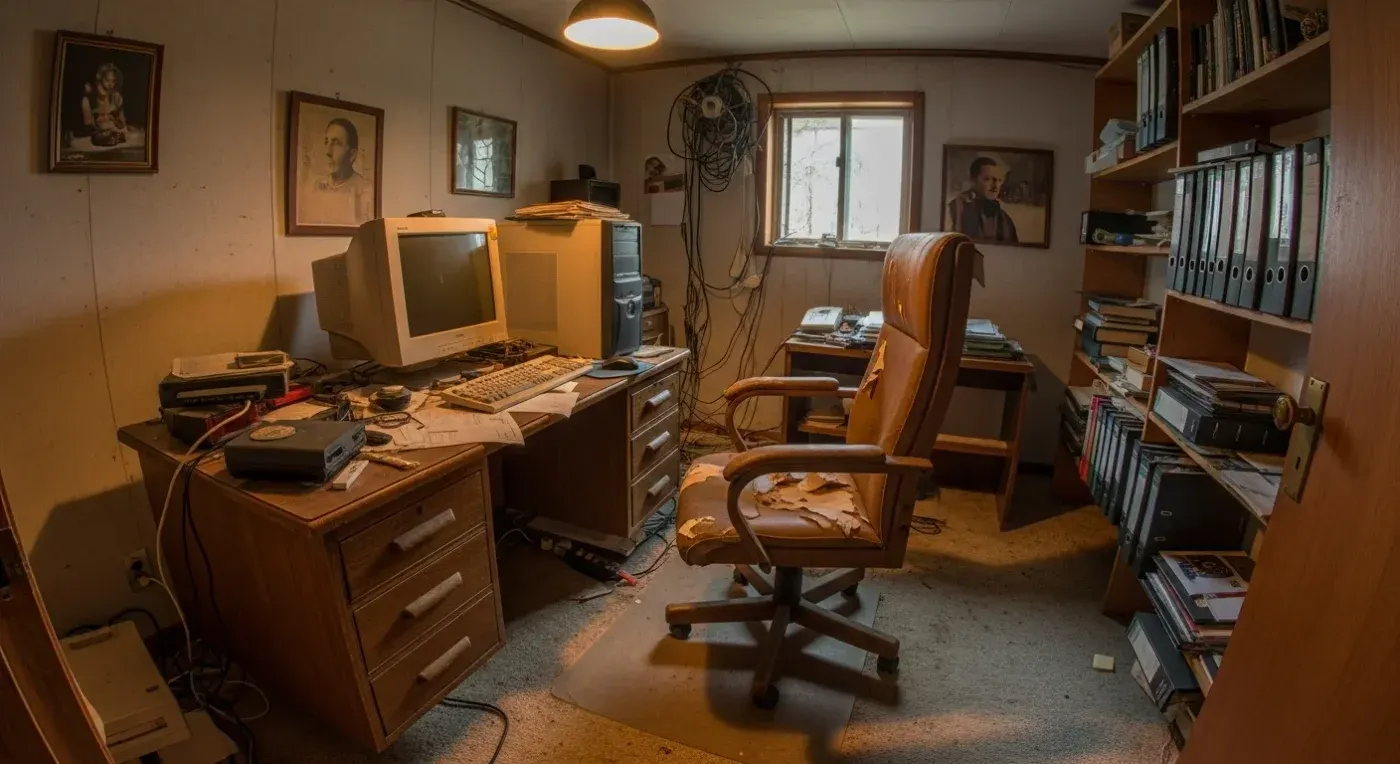
Use a before-and-after reference to explain your workspace preferences.
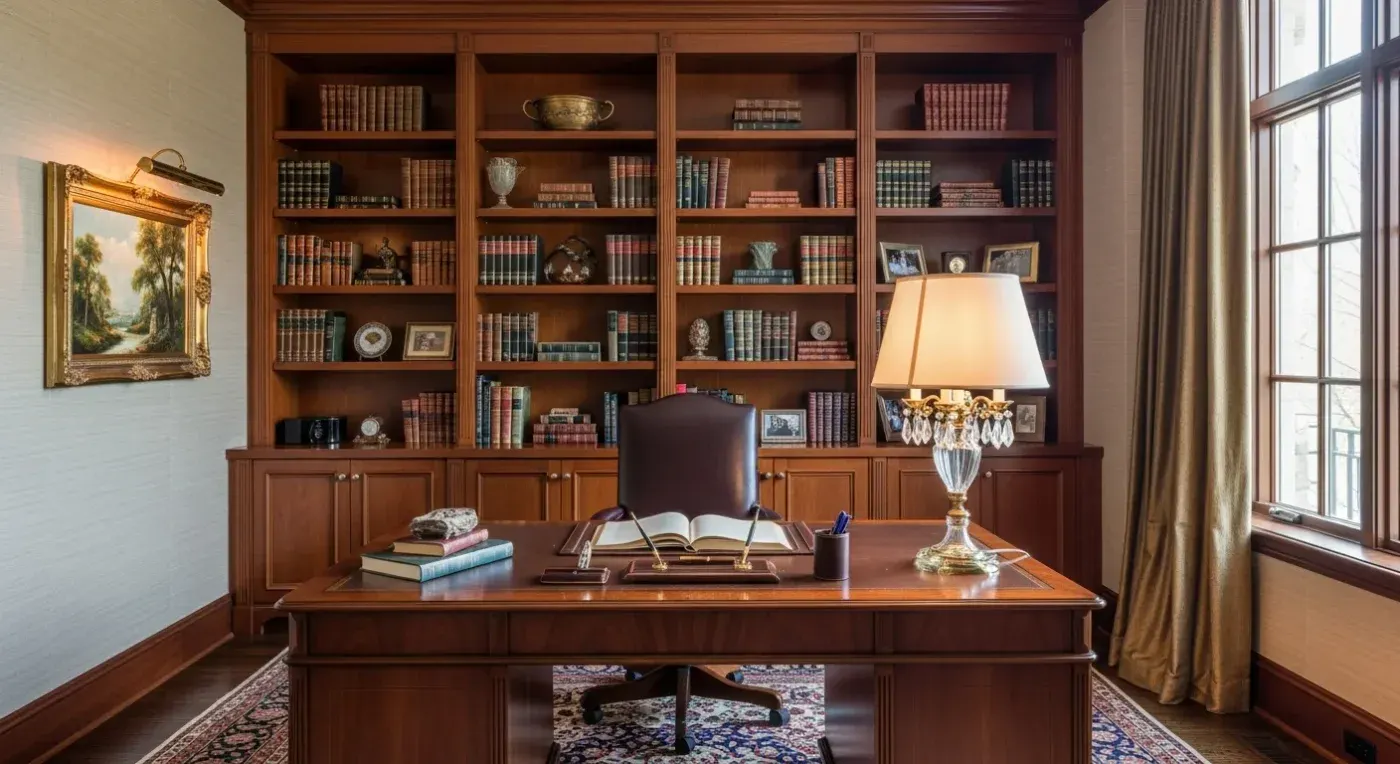
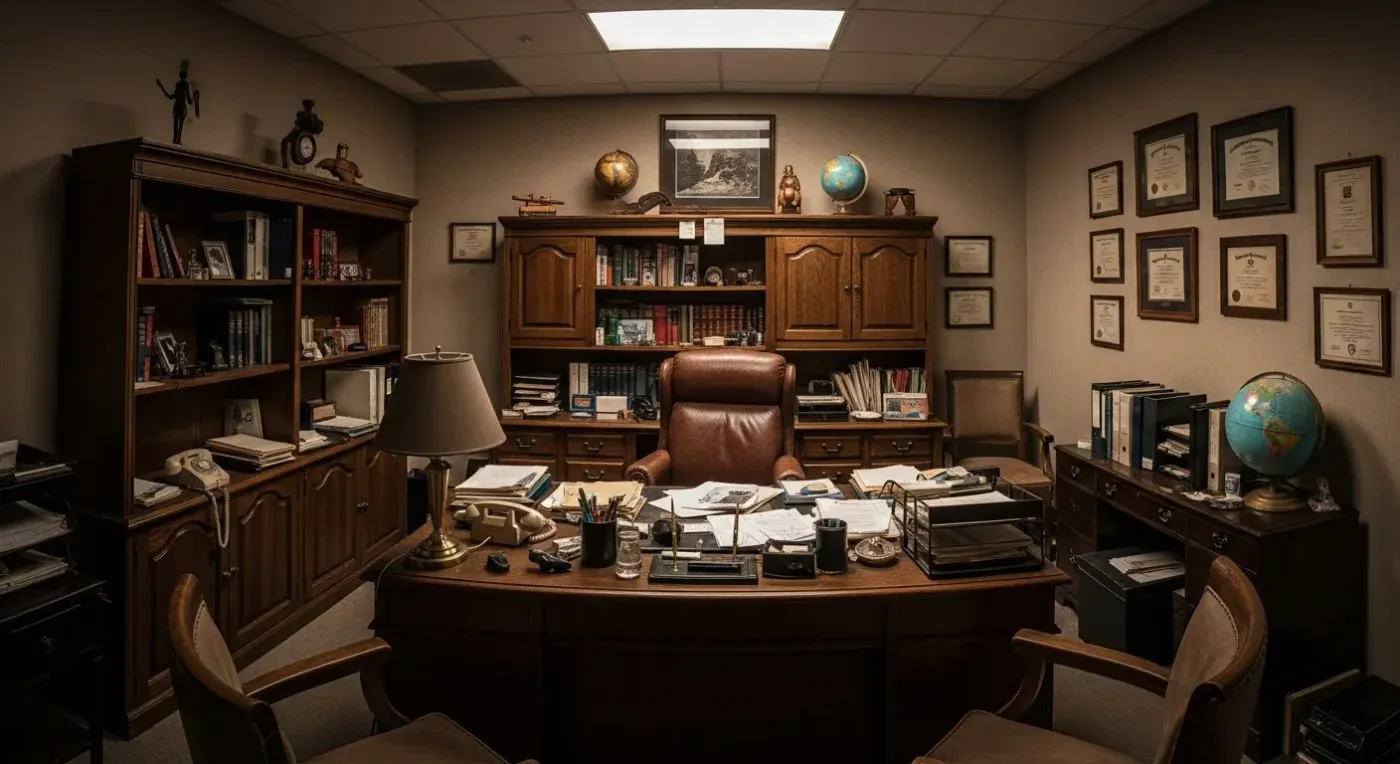
Upload a photo of your office, home workspace or study with the desks, storage and windows visible.
Explore a coordinated office scheme around the space you already have.
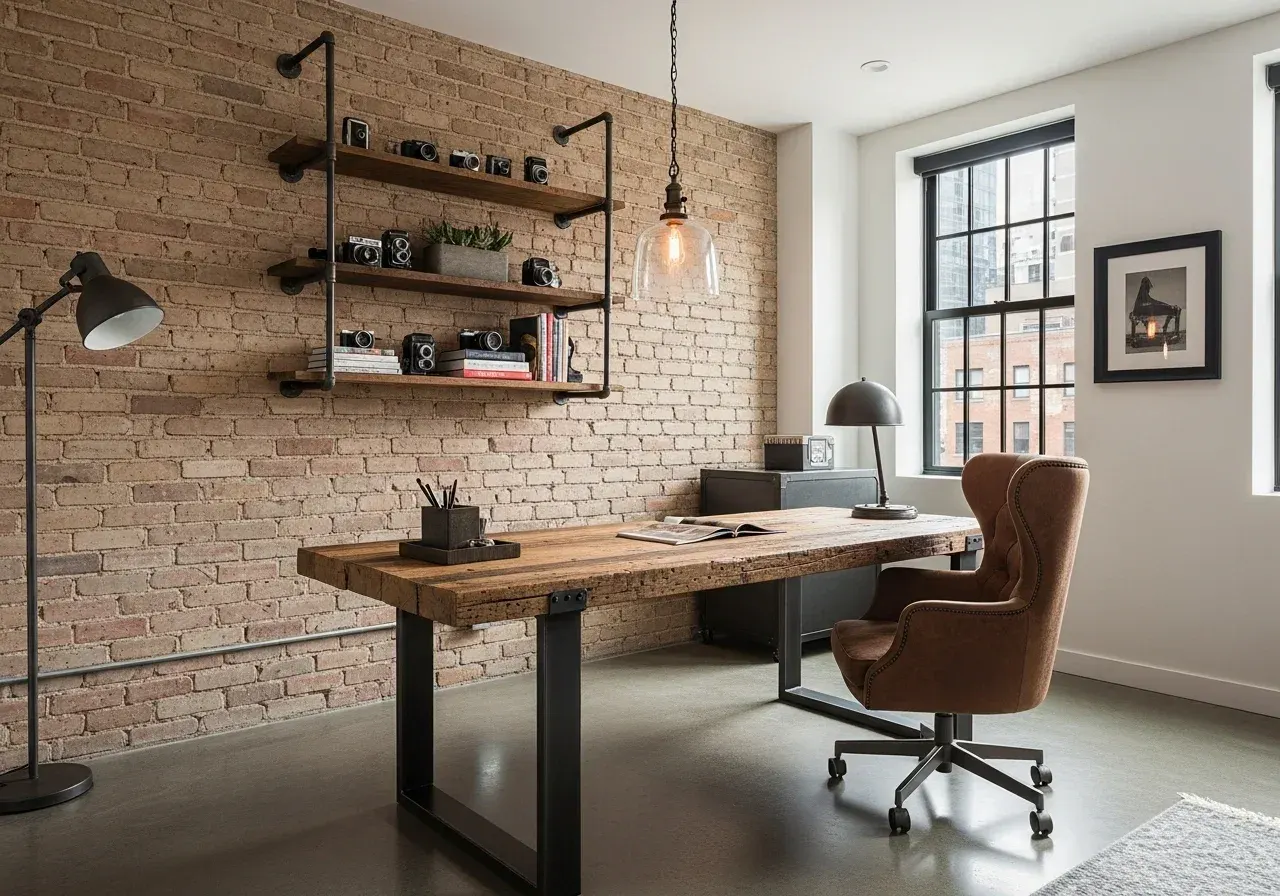
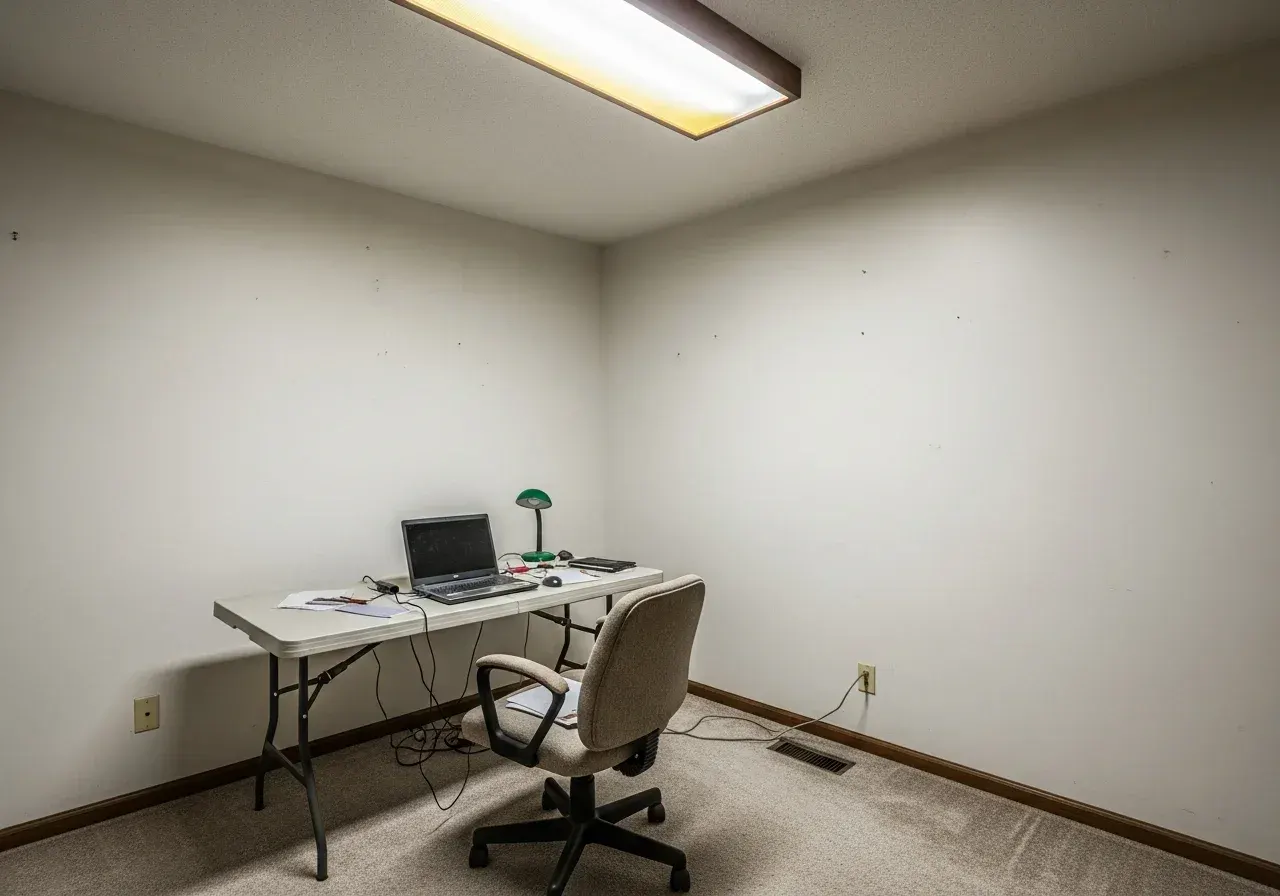
Compare visual arrangements for your workstation and supporting furniture.
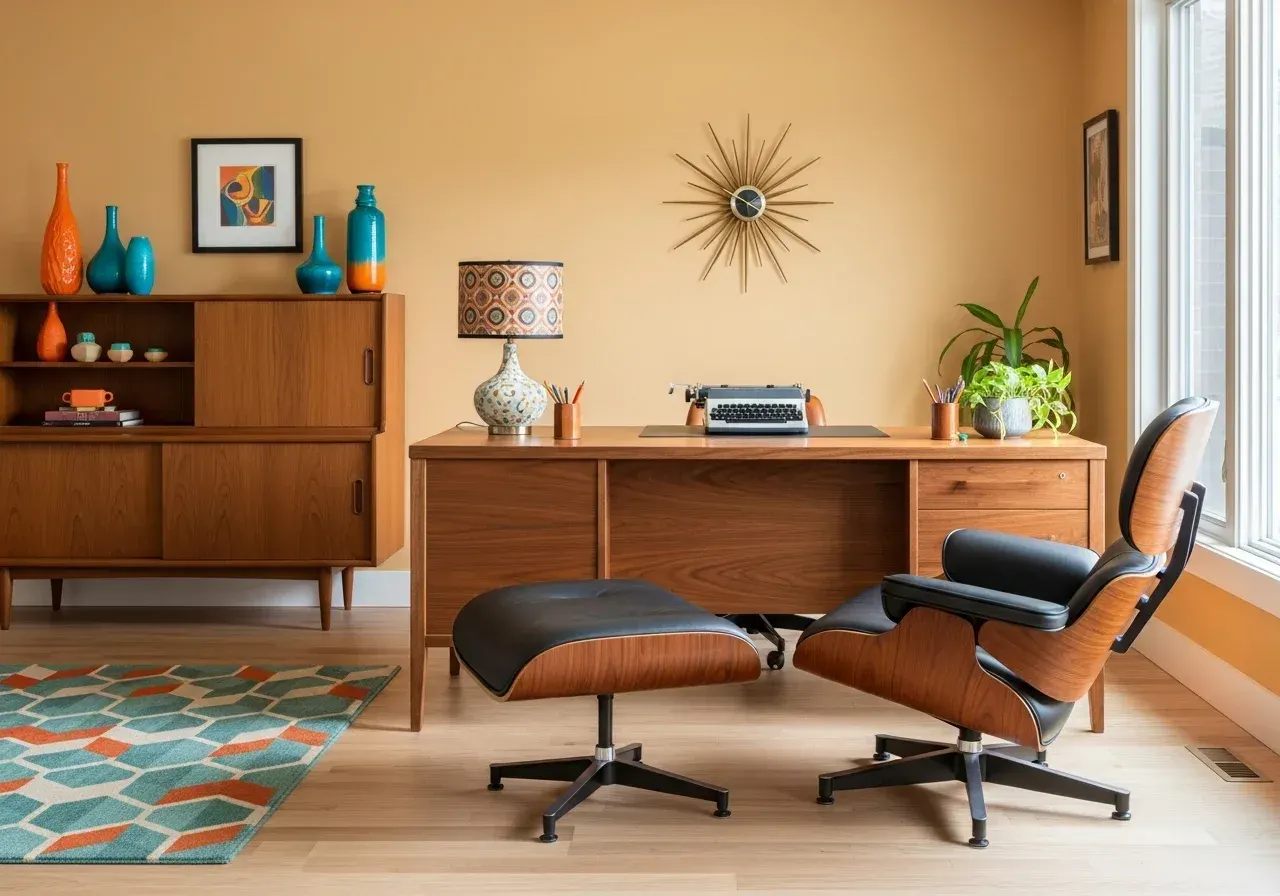
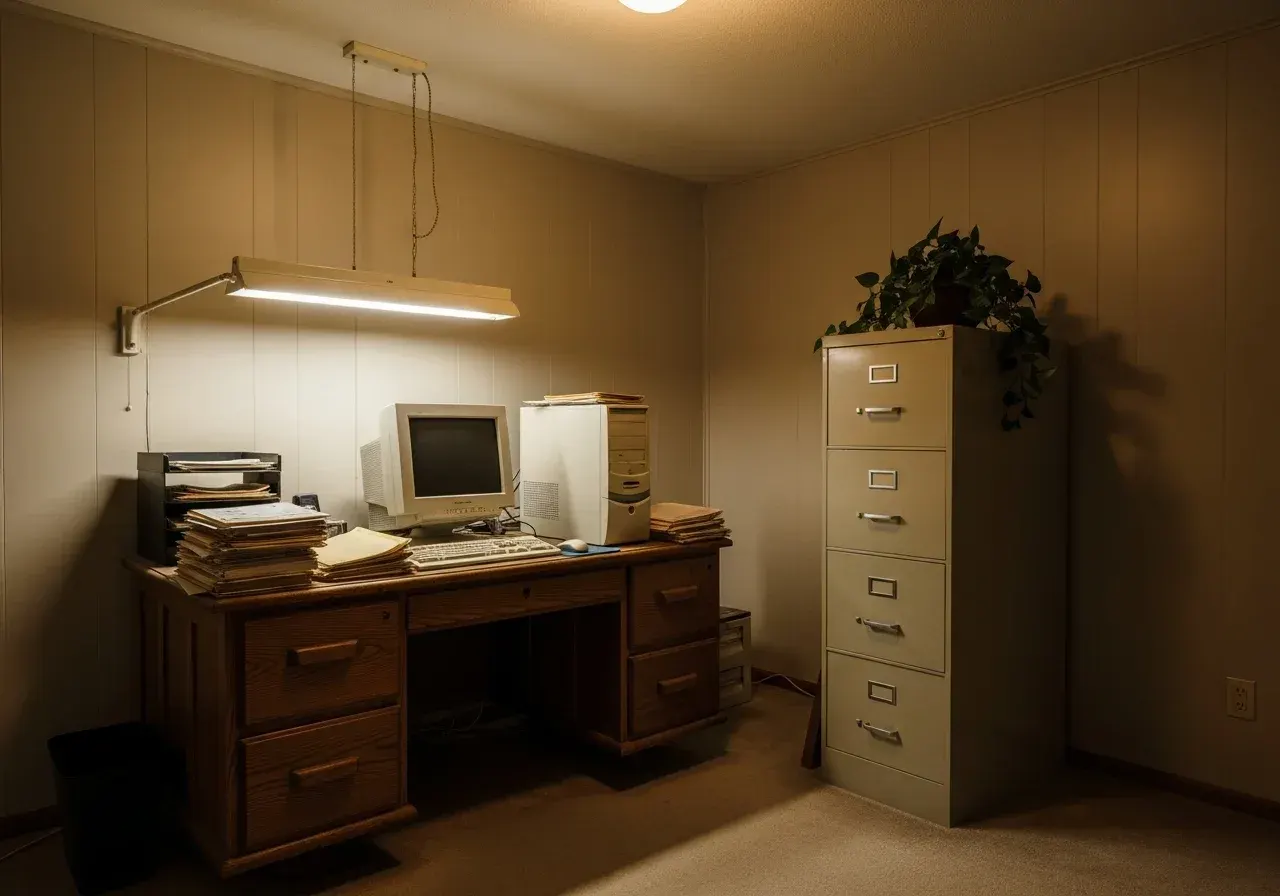
Explore a consistent direction for desks, shelving and office materials.
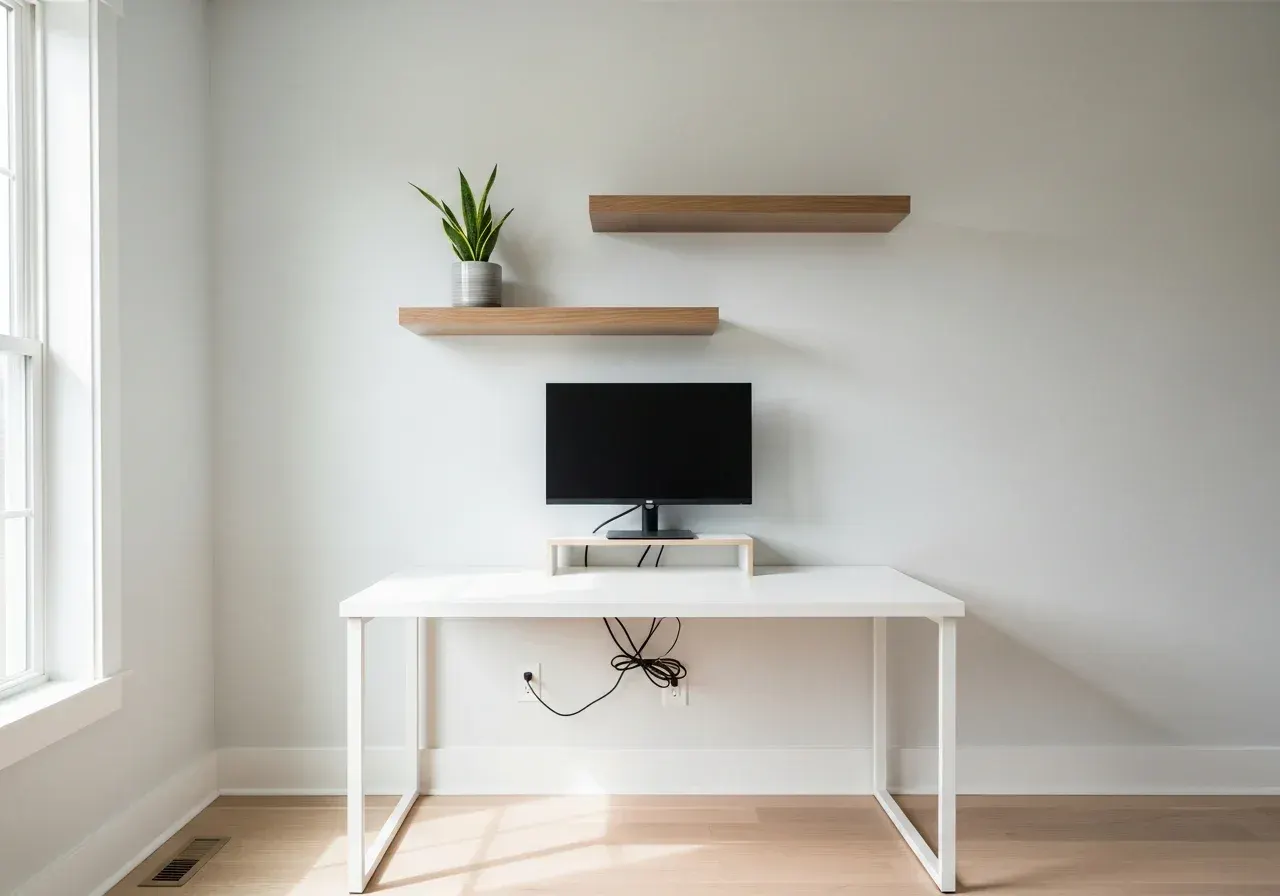
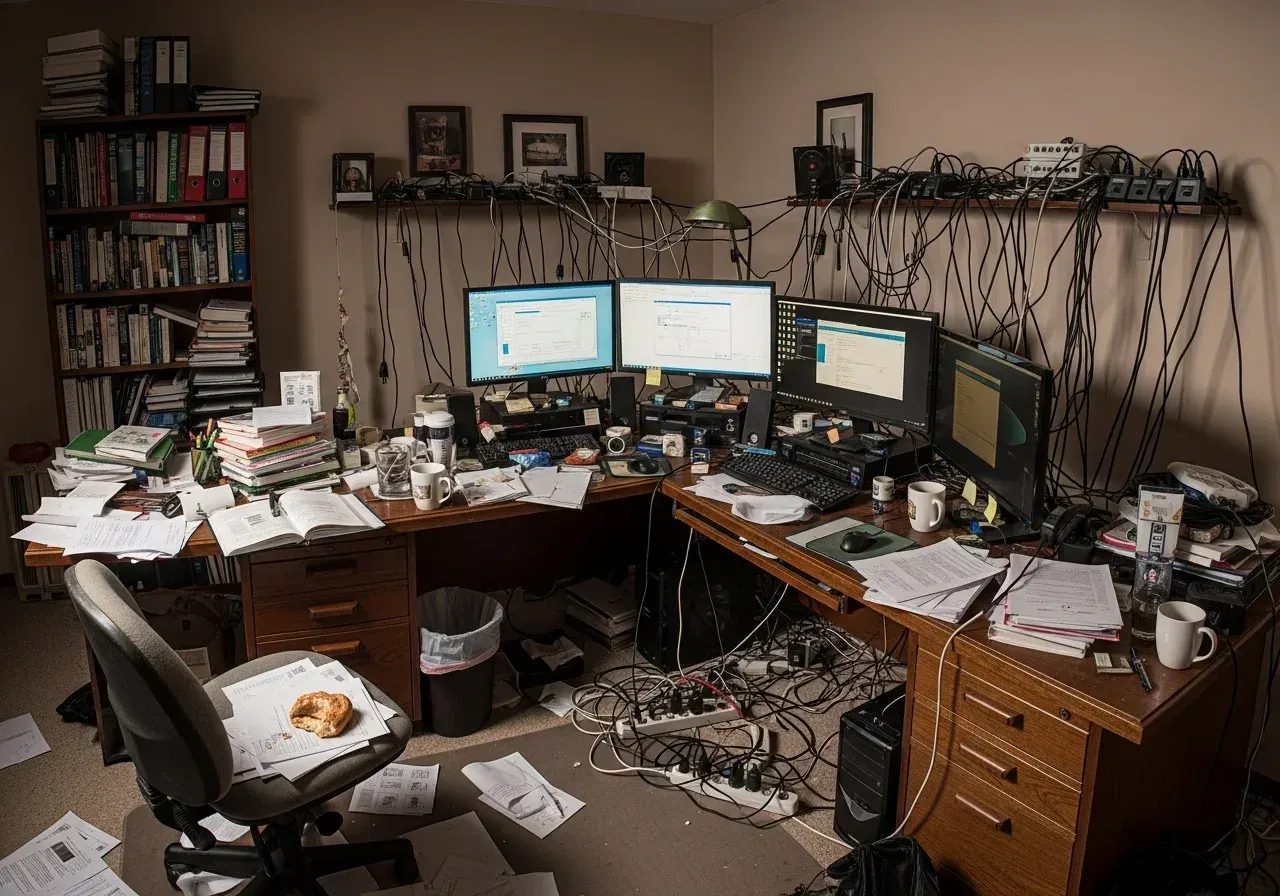
Use a before-and-after reference to explain your workspace preferences.
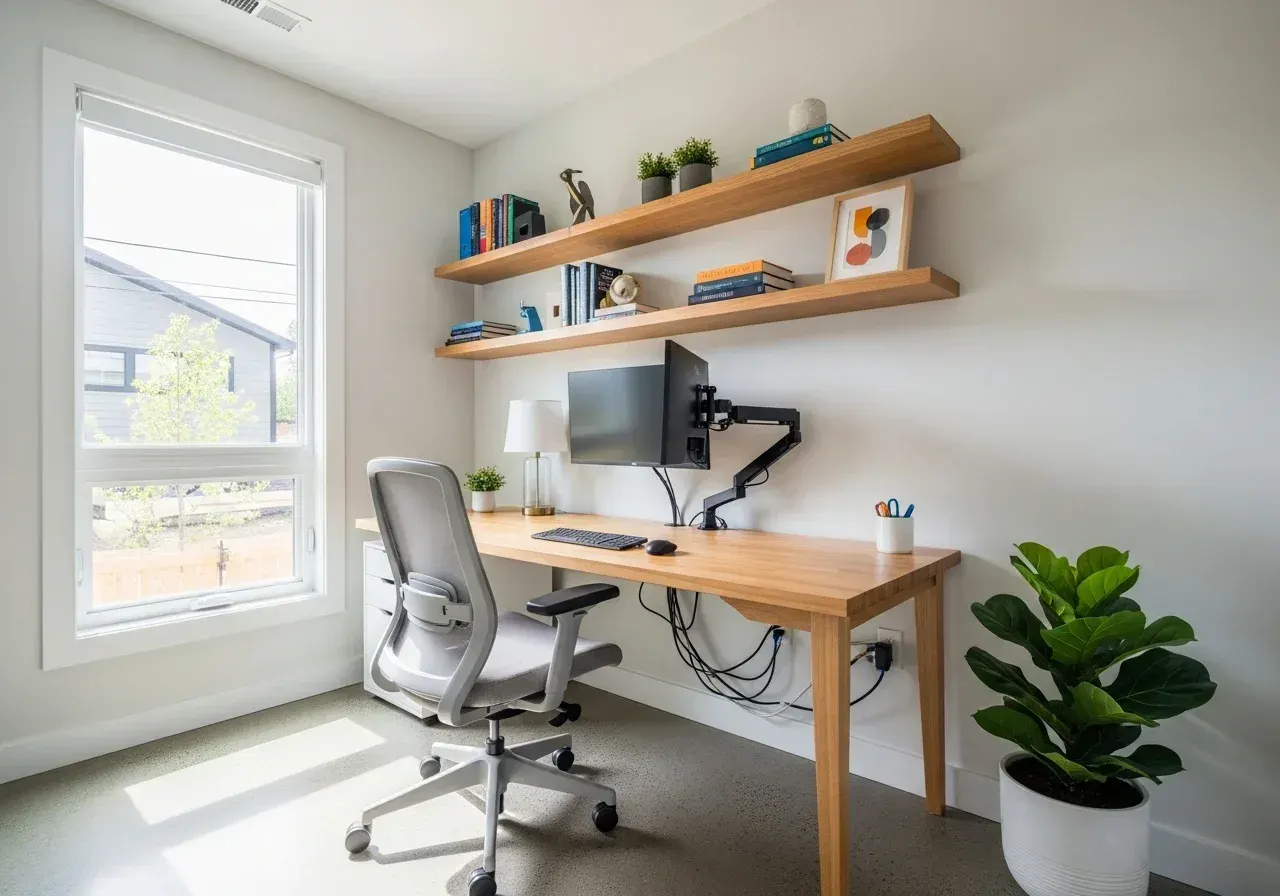
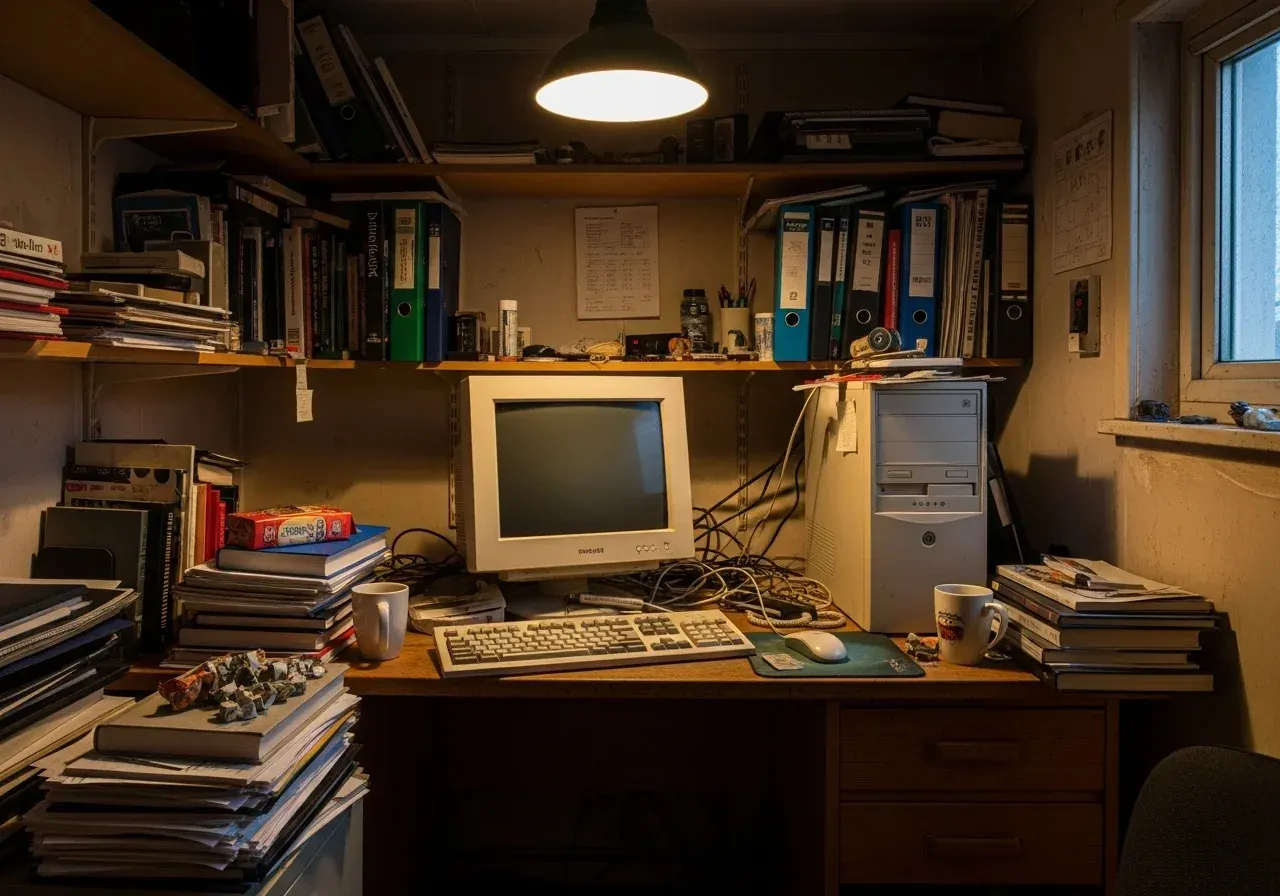
Design ideas
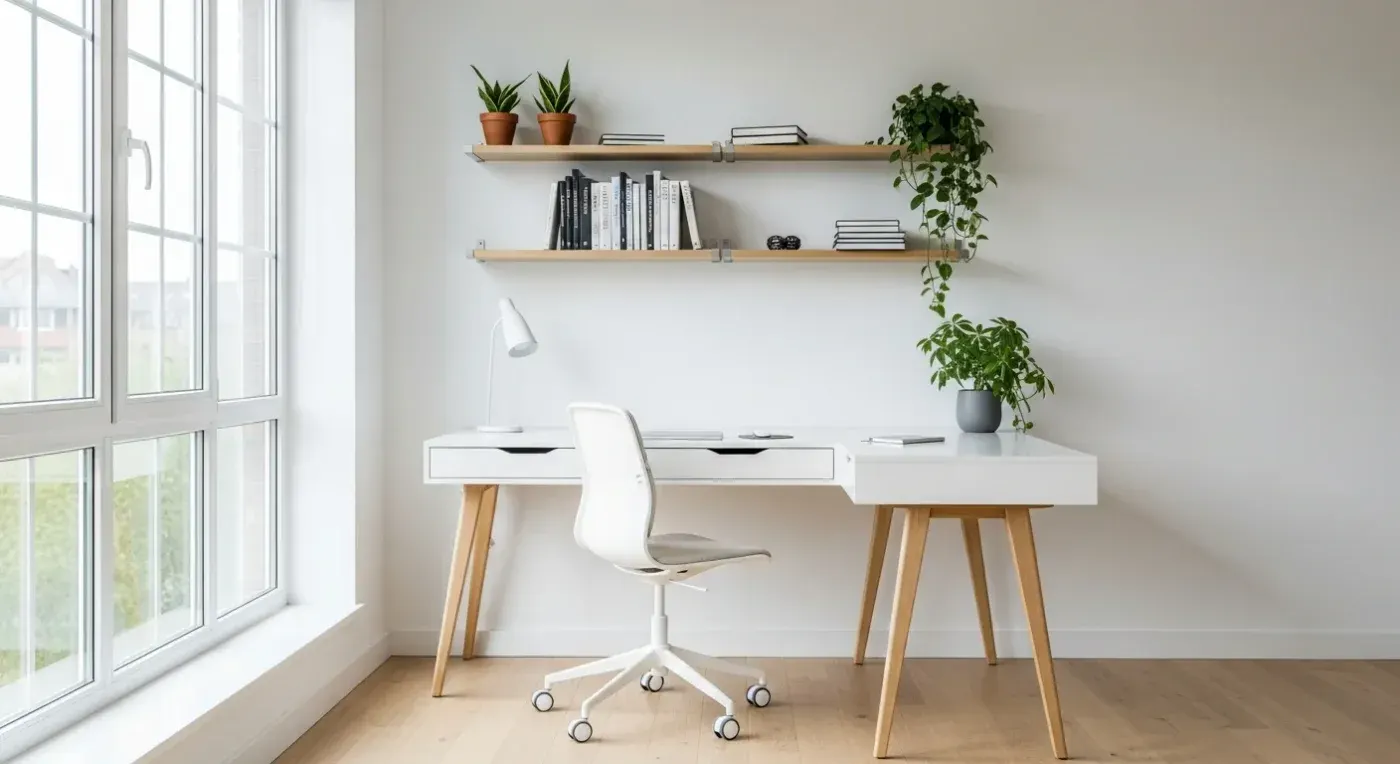
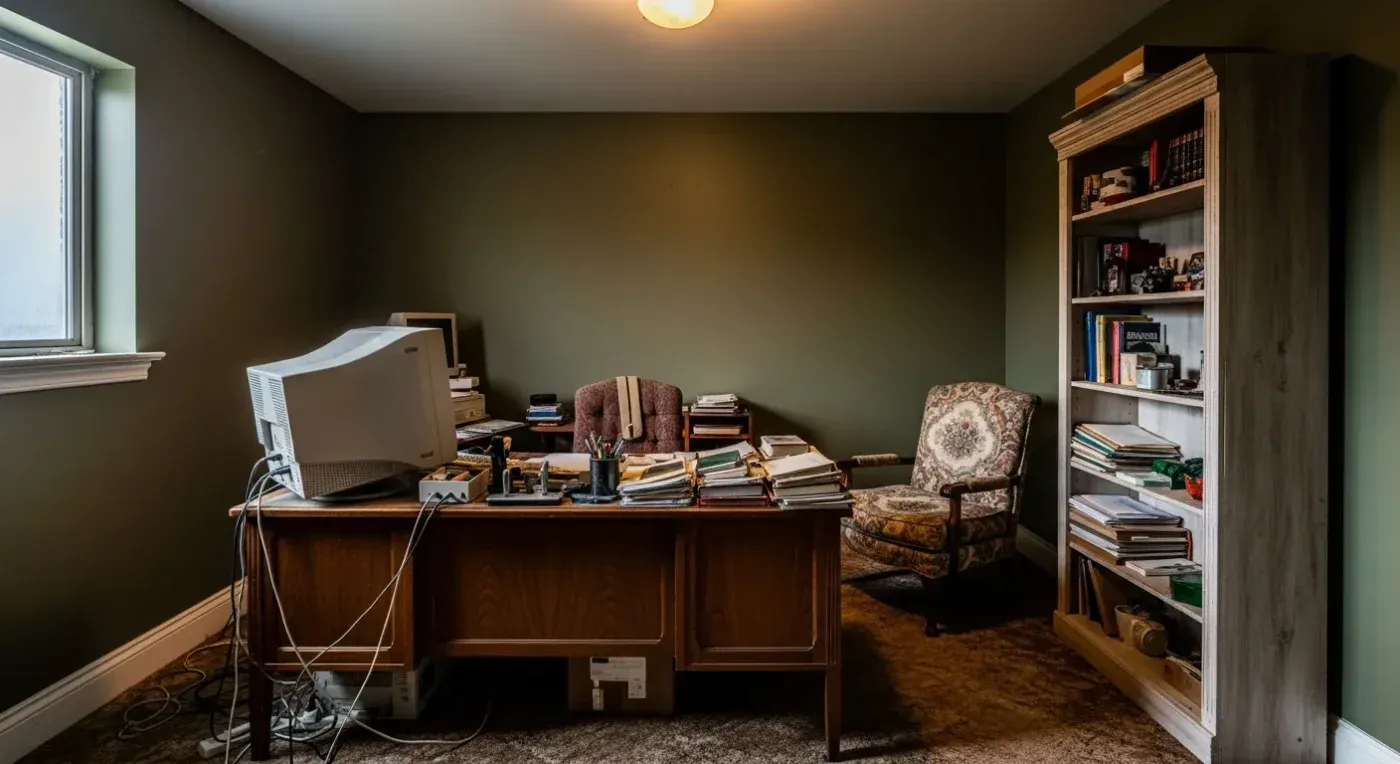
Explore a coordinated office scheme around the space you already have.
Choose monthly billing, an annual subscription or a one-time credit pack. Purchased credits never expire; review the payment total and the generation cost that fits how often you design.
Loading designs...
For first ideas and a fresh perspective on your space.
Billed monthly · auto-renews
Credits granted each paid month. Manage your subscription in Billing.
For regular redesigns and exploring more possibilities.
Billed monthly · auto-renews
Credits granted each paid month. Manage your subscription in Billing.
For larger projects, multiple rooms and client presentations.
Billed monthly · auto-renews
Credits granted each paid month. Manage your subscription in Billing.
Use these office concepts to plan your workspace; check real furniture dimensions before making changes.
Contact supportYes. Upload a clear office photo and describe your desk, storage and style preferences. Check the credits before generating, then compare the new workspace image with your original.
Describe the desk or storage you want to retain and the changes you want to explore. Use the preview to discuss an arrangement, then check measurements, access and ergonomic requirements in the actual room.
Describe the change you want and what must stay the same. Use the tool’s controls for style, material, lighting or color, then add short, specific preferences. Describe your work habits, preferred desk style, storage and meeting needs.
Use these office concepts to plan your workspace; check real furniture dimensions before making changes.
AI generation uses 10 credits per 1K image or 15 per 2K image. Choose 1–4 images; the button shows the total before submission. Credits are reserved when a task is created and returned if that task fails. A new variation is a new paid task.
Yes. Choose 1–4 images per request and compare the completed results. You can adjust preferences and generate again, or use a completed result as the next reference. Each new request uses the credits shown on its button.
Time varies with image quality, the number of outputs and the generation service queue. The preview shows the task state; signed-in users can also revisit their tasks in My Projects. Avoid submitting the same request again while it is processing.
Completed results can be downloaded as images. Signed-in design tasks appear in My Projects, where you can review or continue them. The download is a visualization image, not an editable CAD file or a list of exact products.
Your designs are not automatically published in Explore. Uploaded images and preferences are processed by the generation service, and image files may be accessible through their storage links. Keep those links private and avoid uploading information you do not want processed. For help, use the feedback button or support@airoom-design.org.
The uploaded photo is used as a reference, and the generated design is a separate image. The original file on your device stays unchanged. Keep it to compare the design and review any details that the AI may reinterpret.
Compare a desk, storage or style direction using the office you already have.