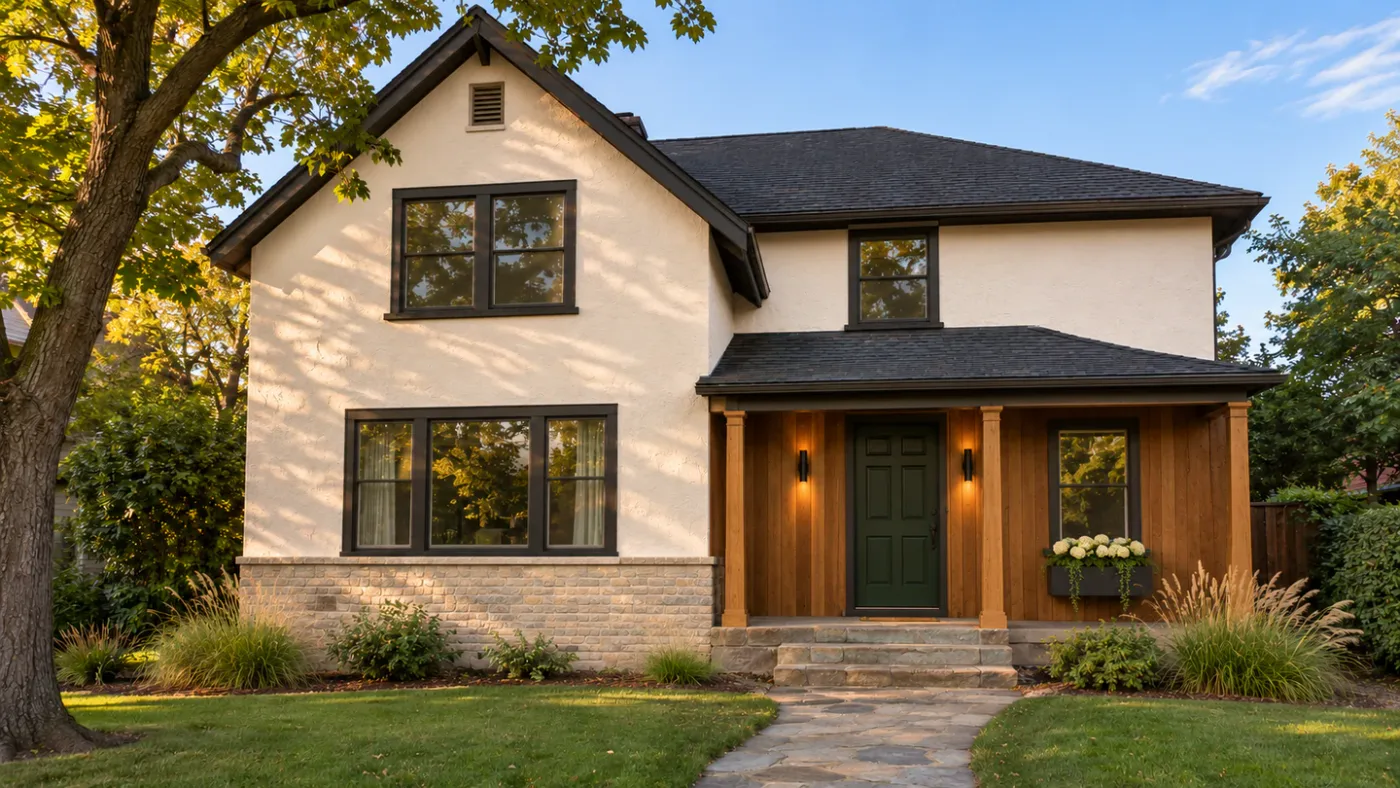
Explore AI exterior design from your house photo. Compare siding, facade colors and architectural styles, then download concepts to discuss before renovating.
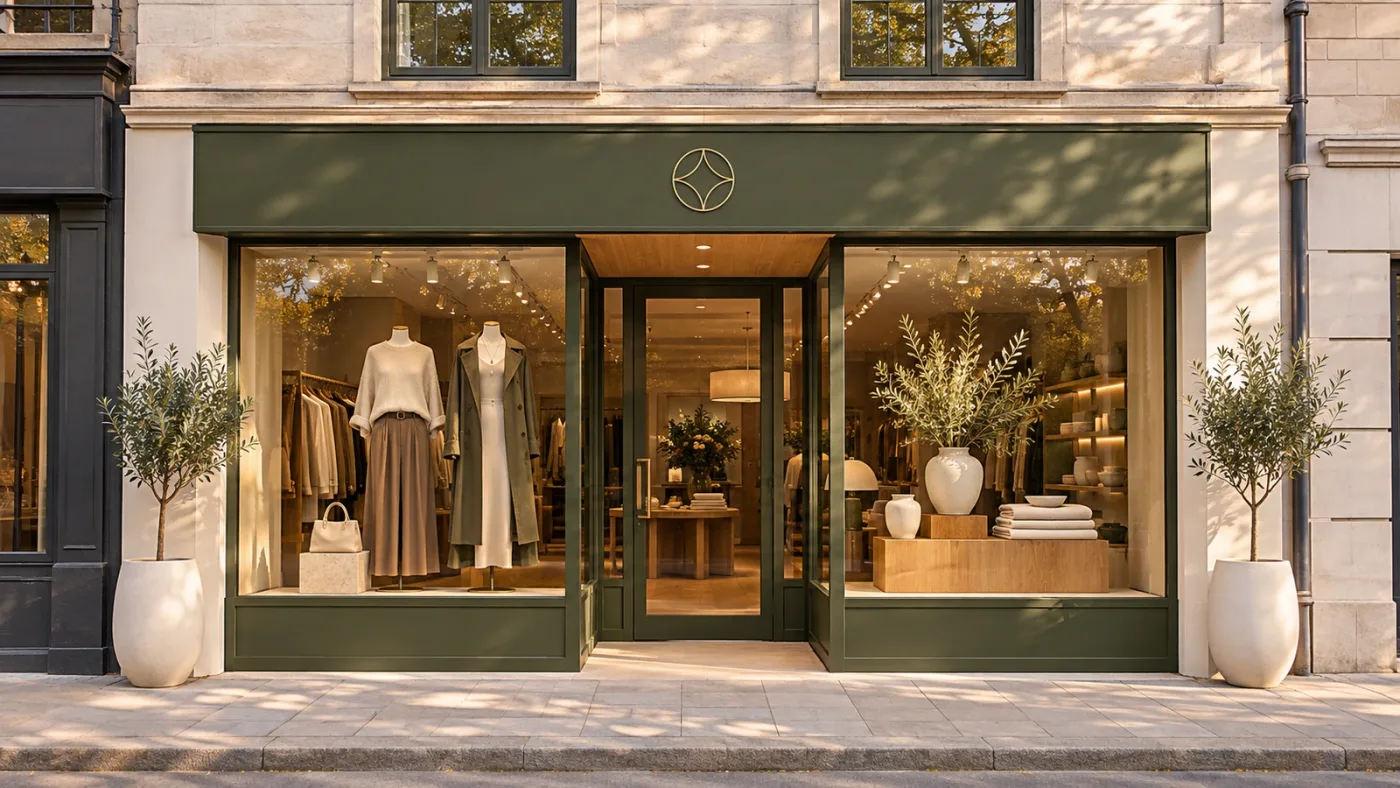
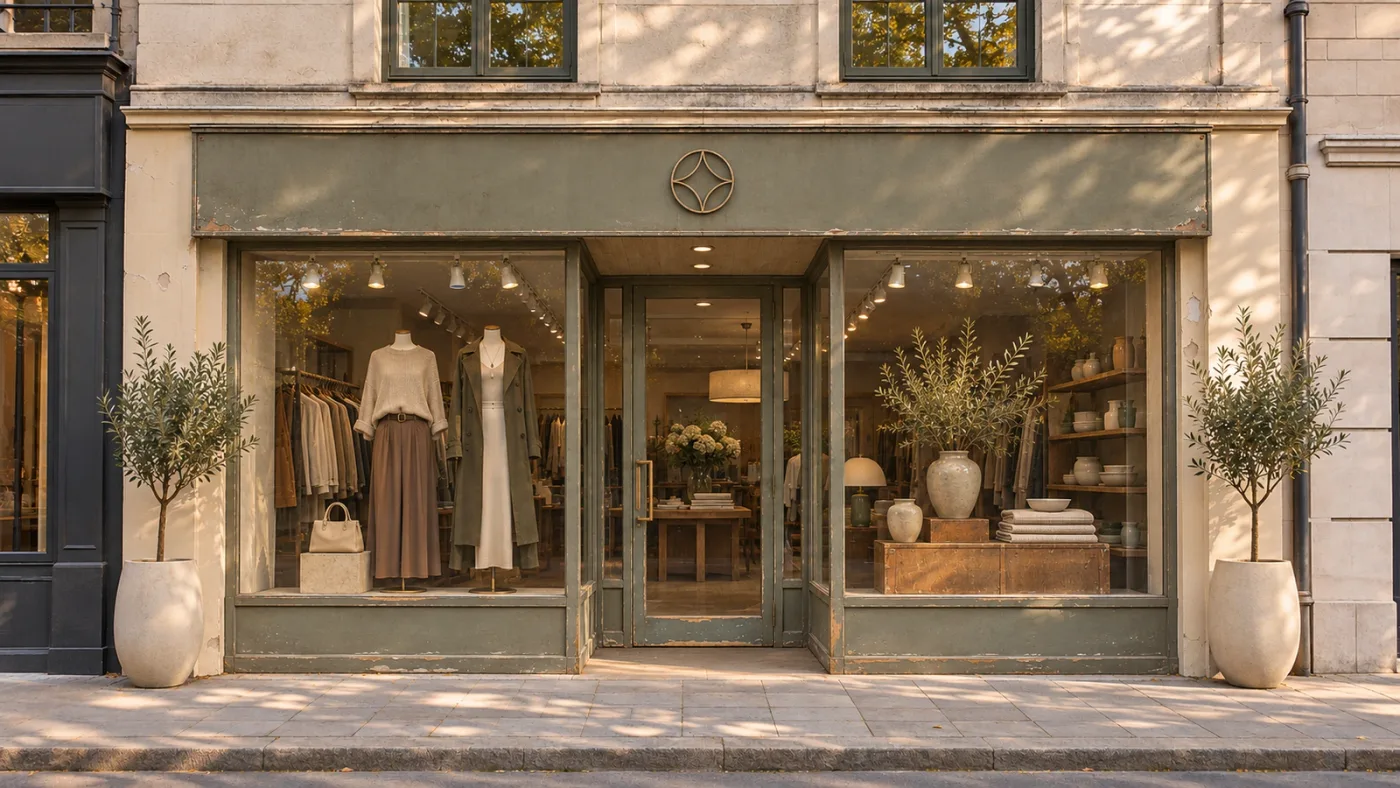
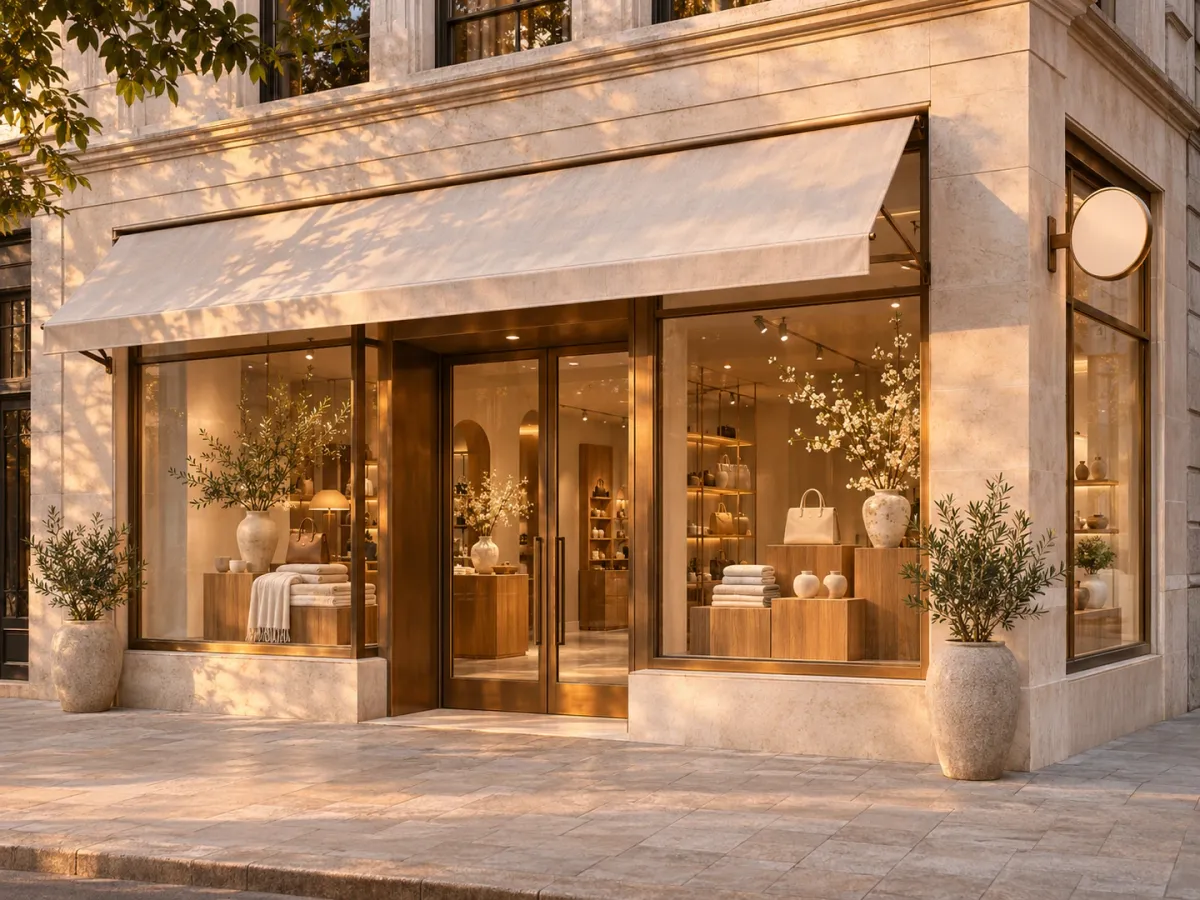
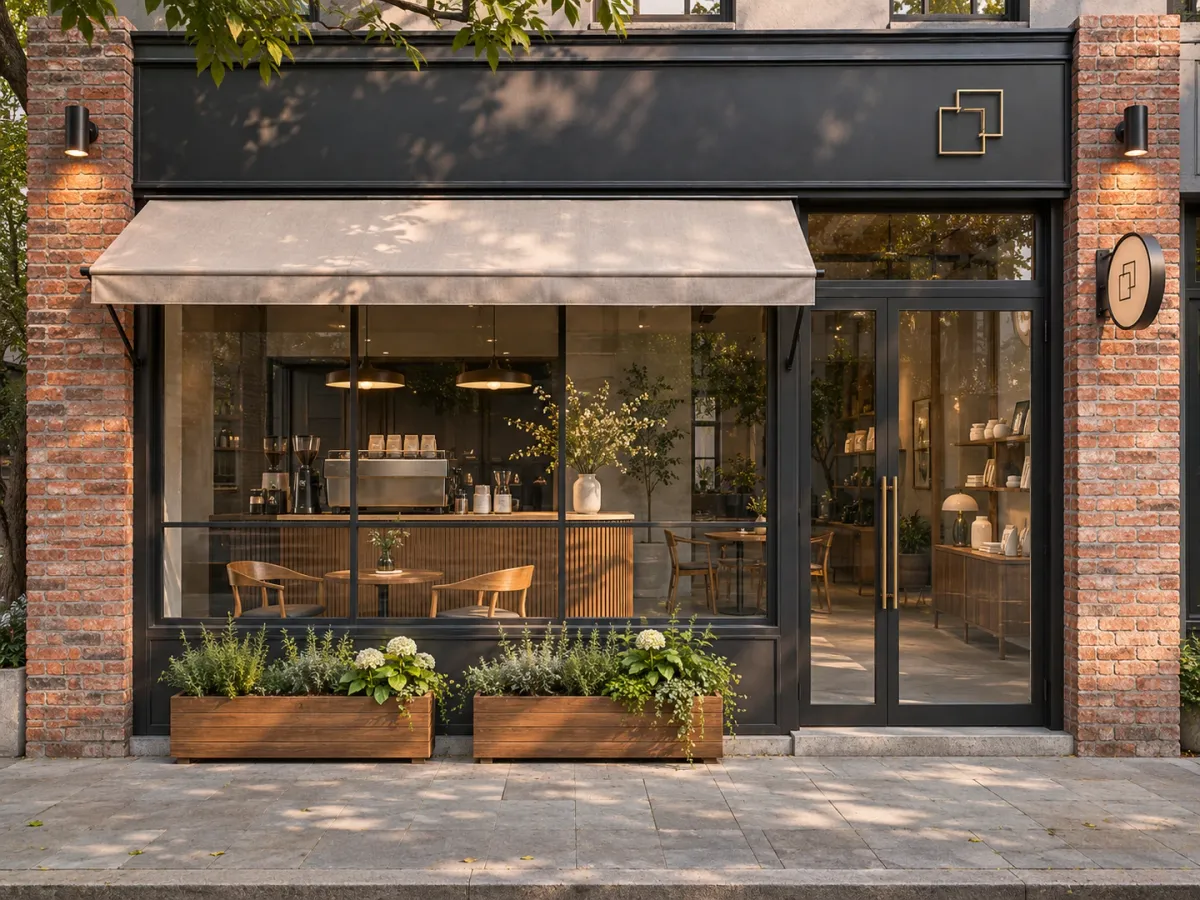
Use AI storefront design to rethink your shopfront from a photo. Explore entrances, glazing and facade finishes, then download concepts for your renovation brief.
Explore AI exterior design from your house photo. Compare siding, facade colors and architectural styles, then download concepts to discuss before renovating.
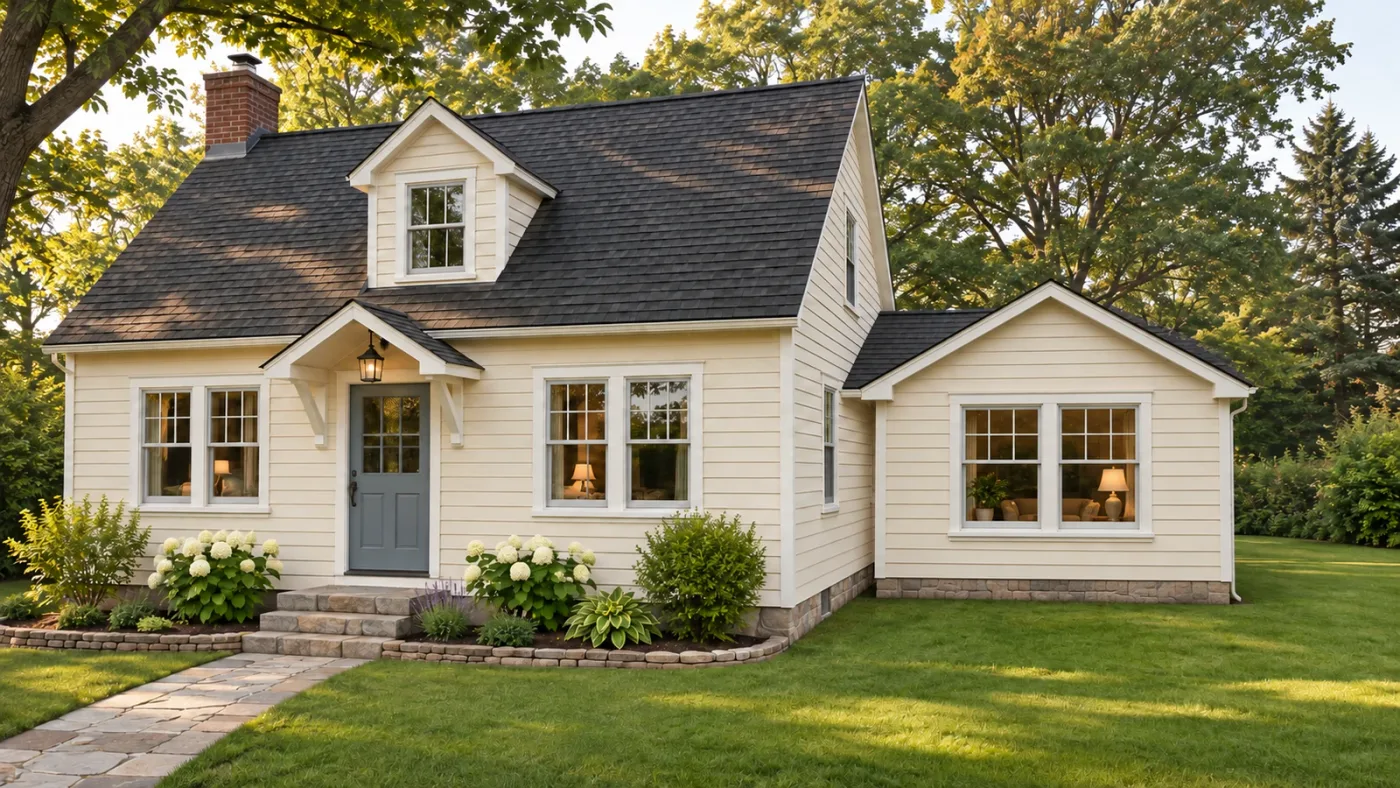
Try a home addition visualizer with your existing house photo. Explore extension shapes, rooflines and finishes, then share concepts with your architect.
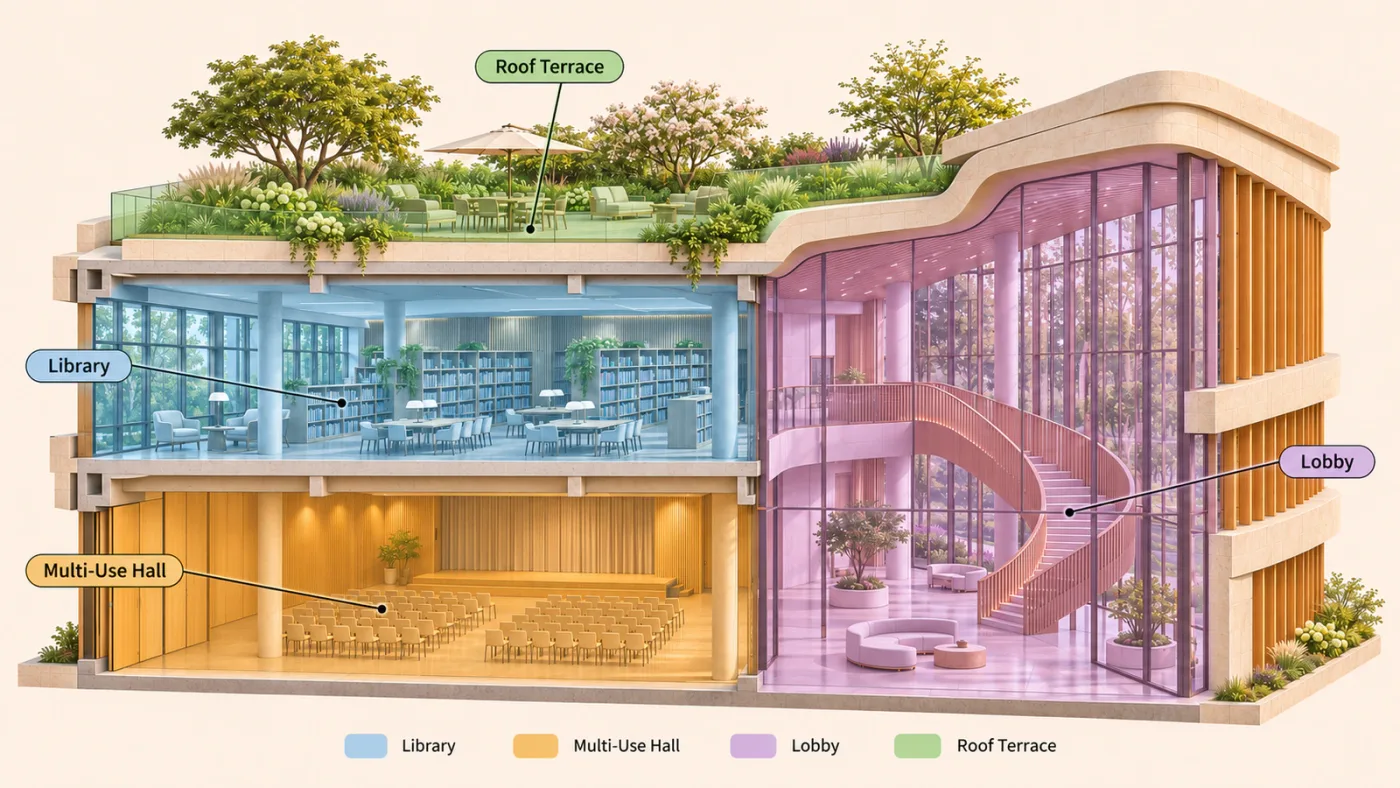
Use an architectural diagram generator to turn a building reference into concept diagrams. Explore massing and spatial relationships for your design presentation.
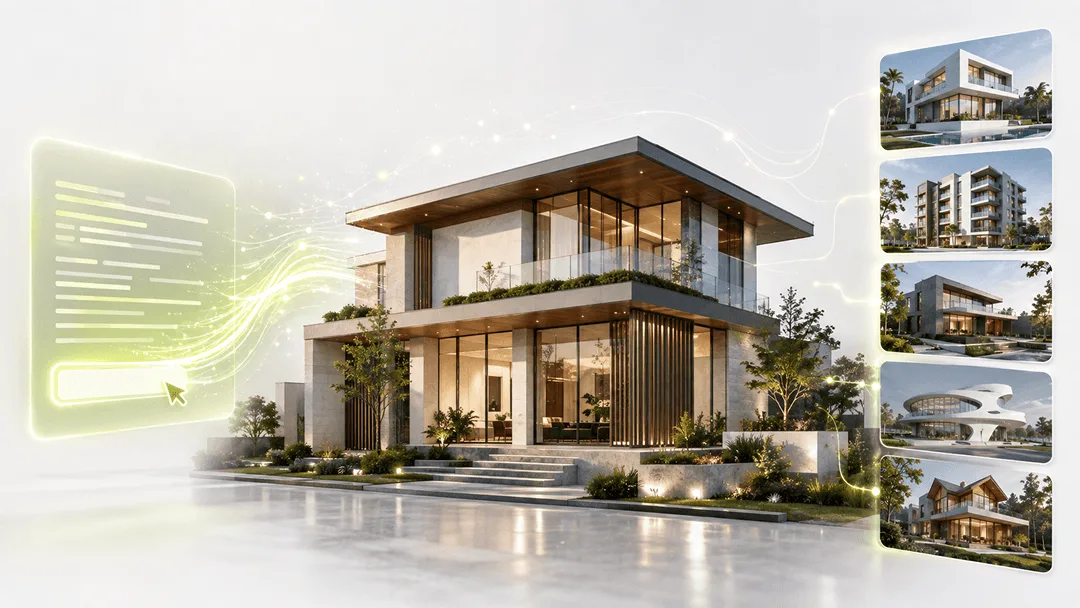
Explore an AI architecture generator for building concepts from a text brief or reference image. Compare massing, styles and materials before developing your design.
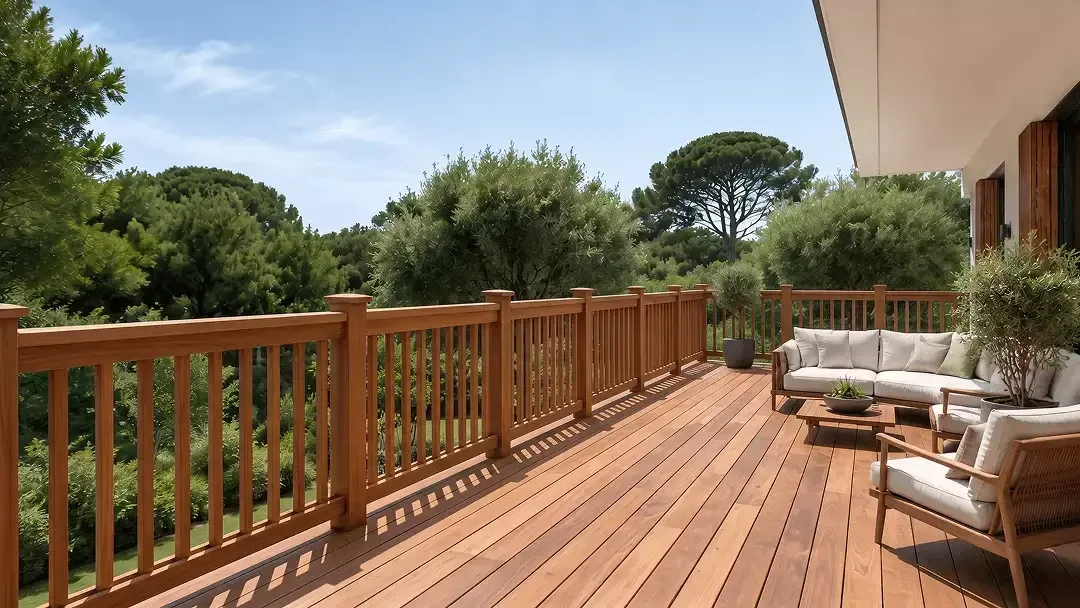
Explore AI deck design from a backyard or patio photo. Compare decking, railings and seating ideas, then download concepts before planning your outdoor project.
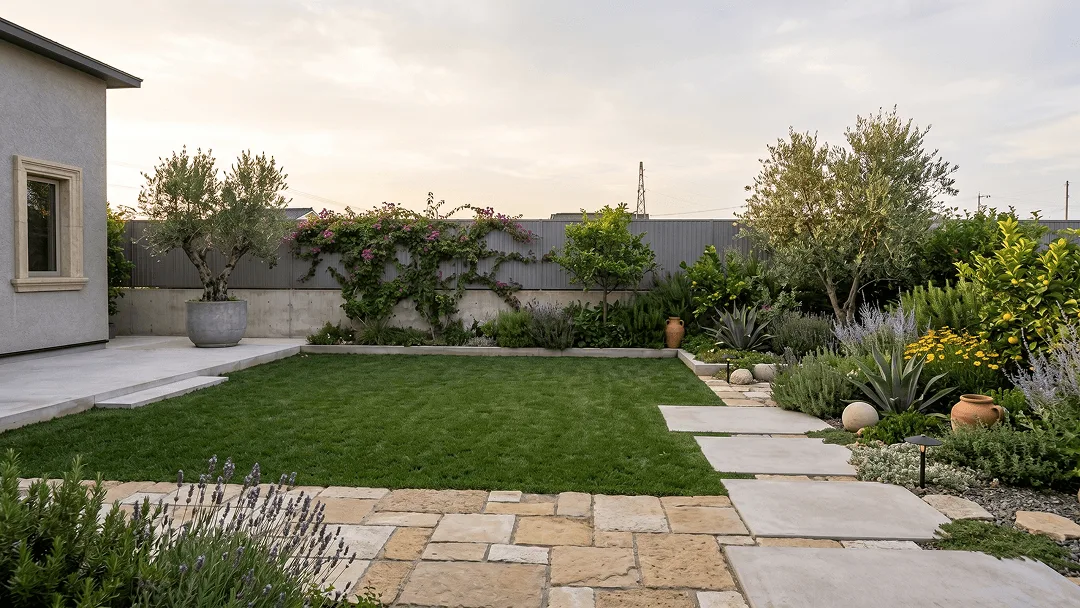
Use AI landscape design to reimagine your outdoor space from a photo. Explore paths, planting zones and hardscape, then compare concepts for your landscape brief.
1–6 / 8
Keep your brief focused and compare concepts before committing to a design.
Upload one clear JPG, PNG or WebP image that shows the area or drawing you want to work on.
Choose the available design controls and describe what should change or stay. Check resolution, aspect ratio, quantity and the displayed credit total.
Sign in, confirm the displayed credit cost and generate. Review the result against your reference before deciding what to refine.
Once the result has been saved, download the image or reopen it from your account history. Use Refine to reuse its reference and settings.
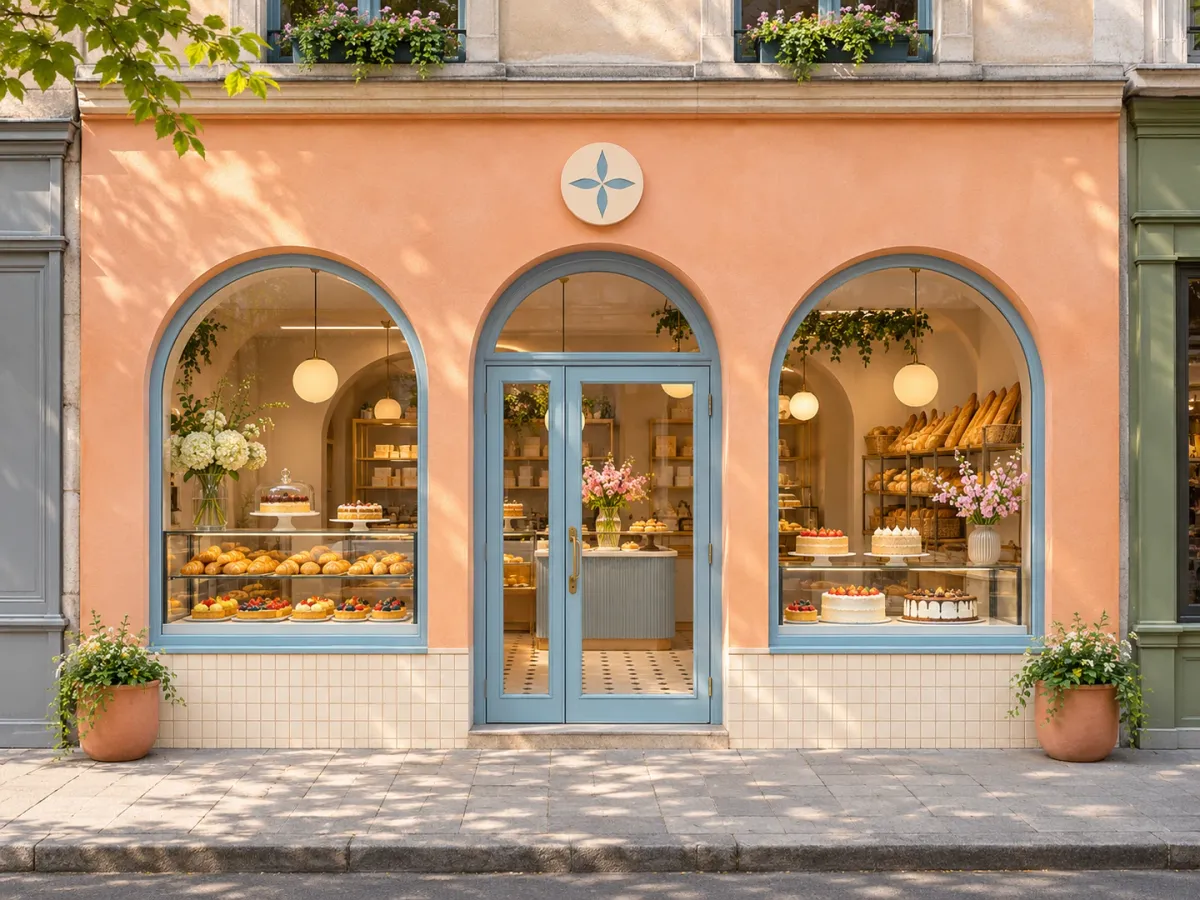
Upload a front-facing shop photo and describe the entrance, glazing and facade changes you want. Use the resulting concepts to compare renovation directions.
Coordinate facade materials and entrance framing around the existing storefront.
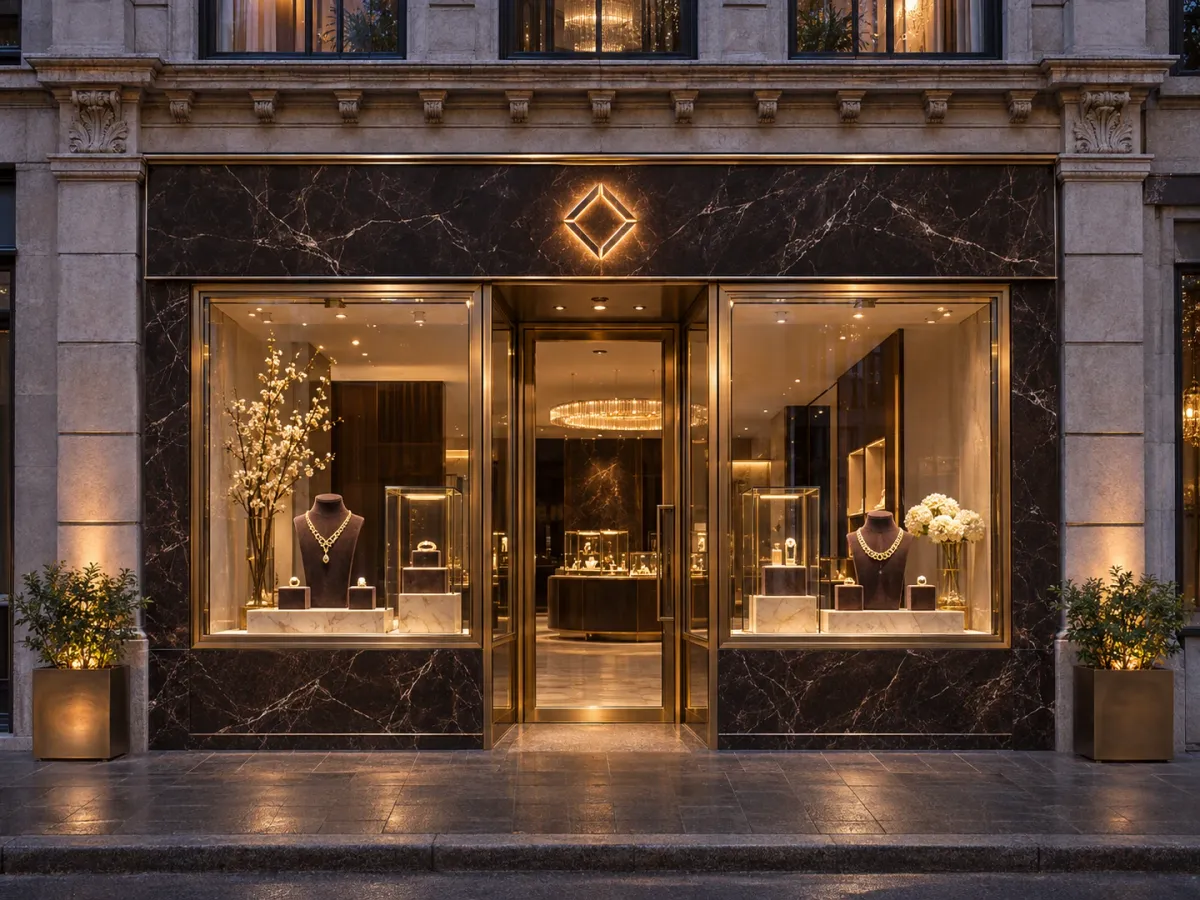
Discuss a visual direction with your sign maker; final lettering and dimensions need manual production.
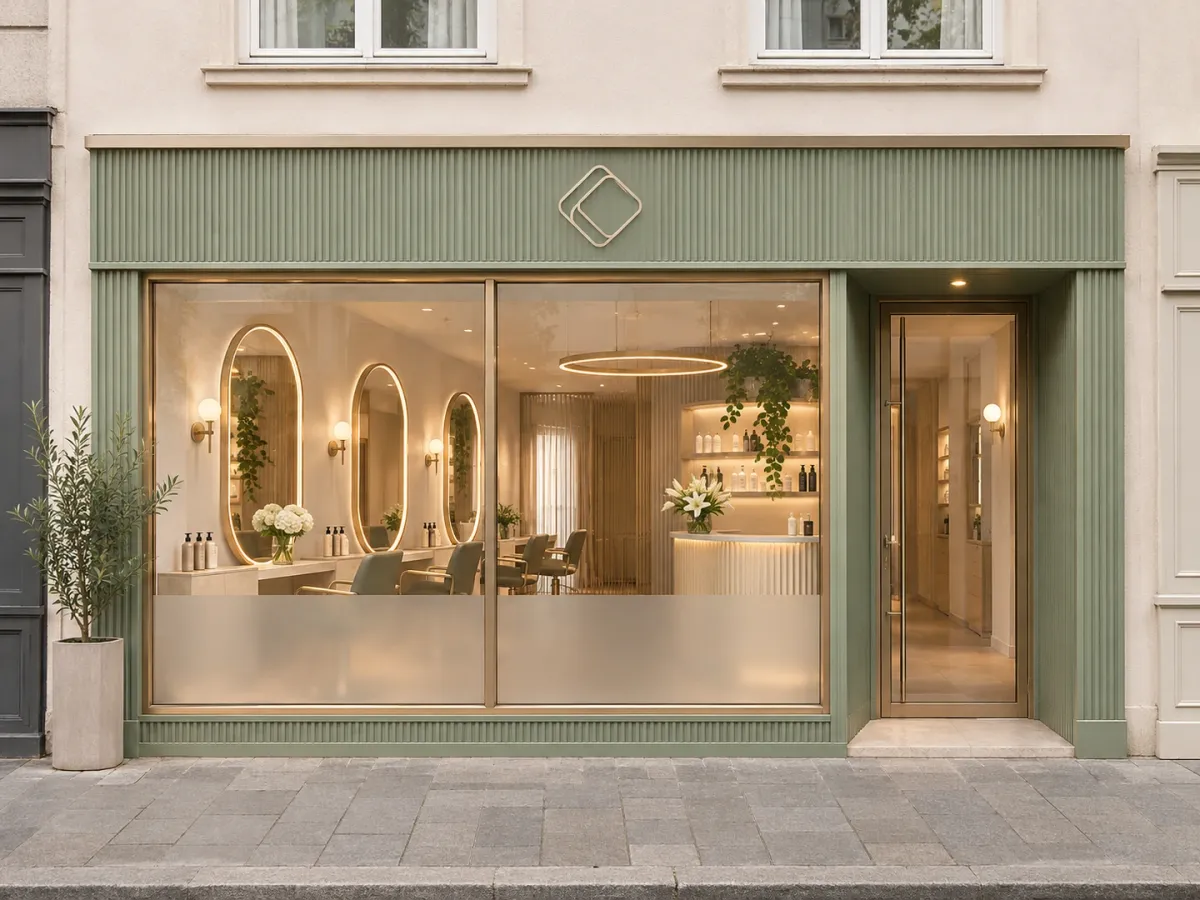
Compare entrance treatments and facade materials while retaining neighboring properties and the visible street.
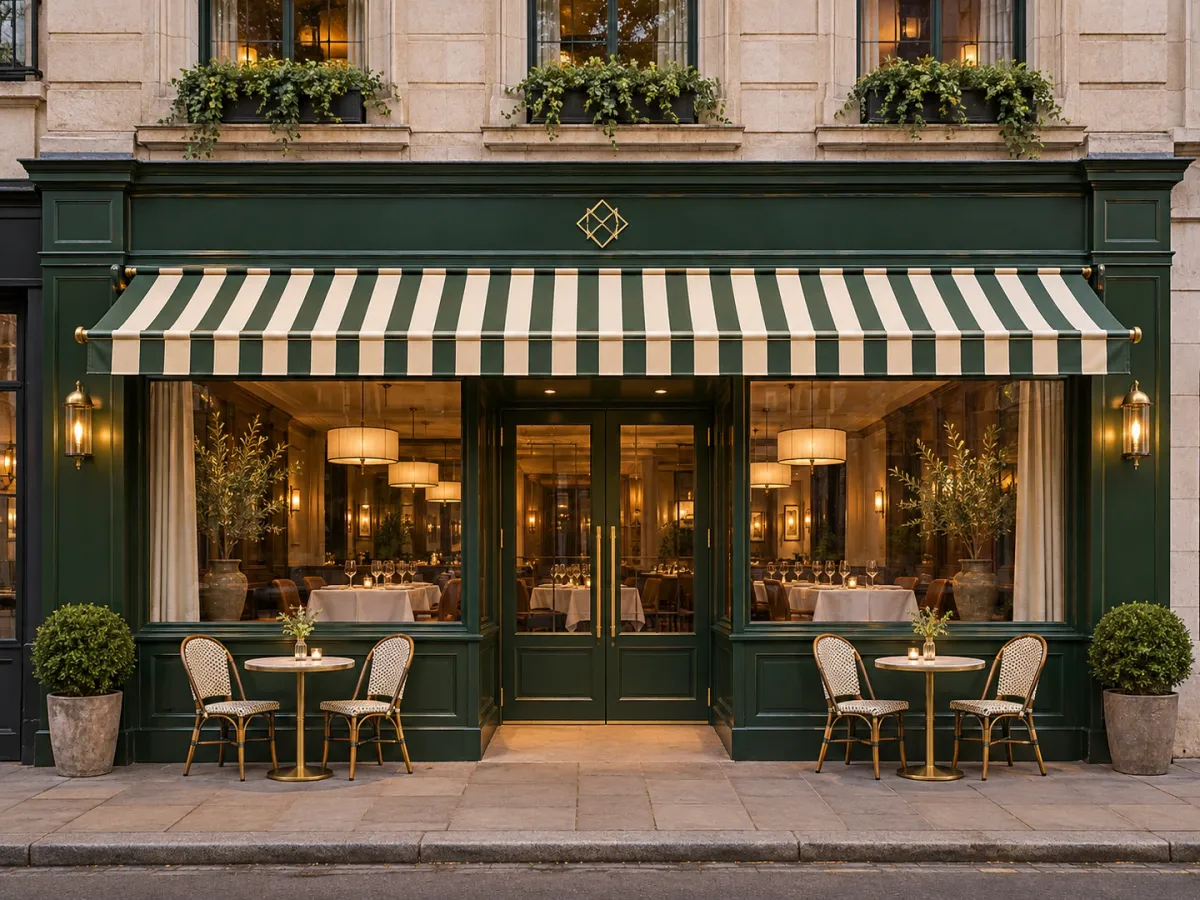
Completed images are saved to permanent storage and linked to your account history. Reopen a concept, download it, or reuse its original reference and settings.
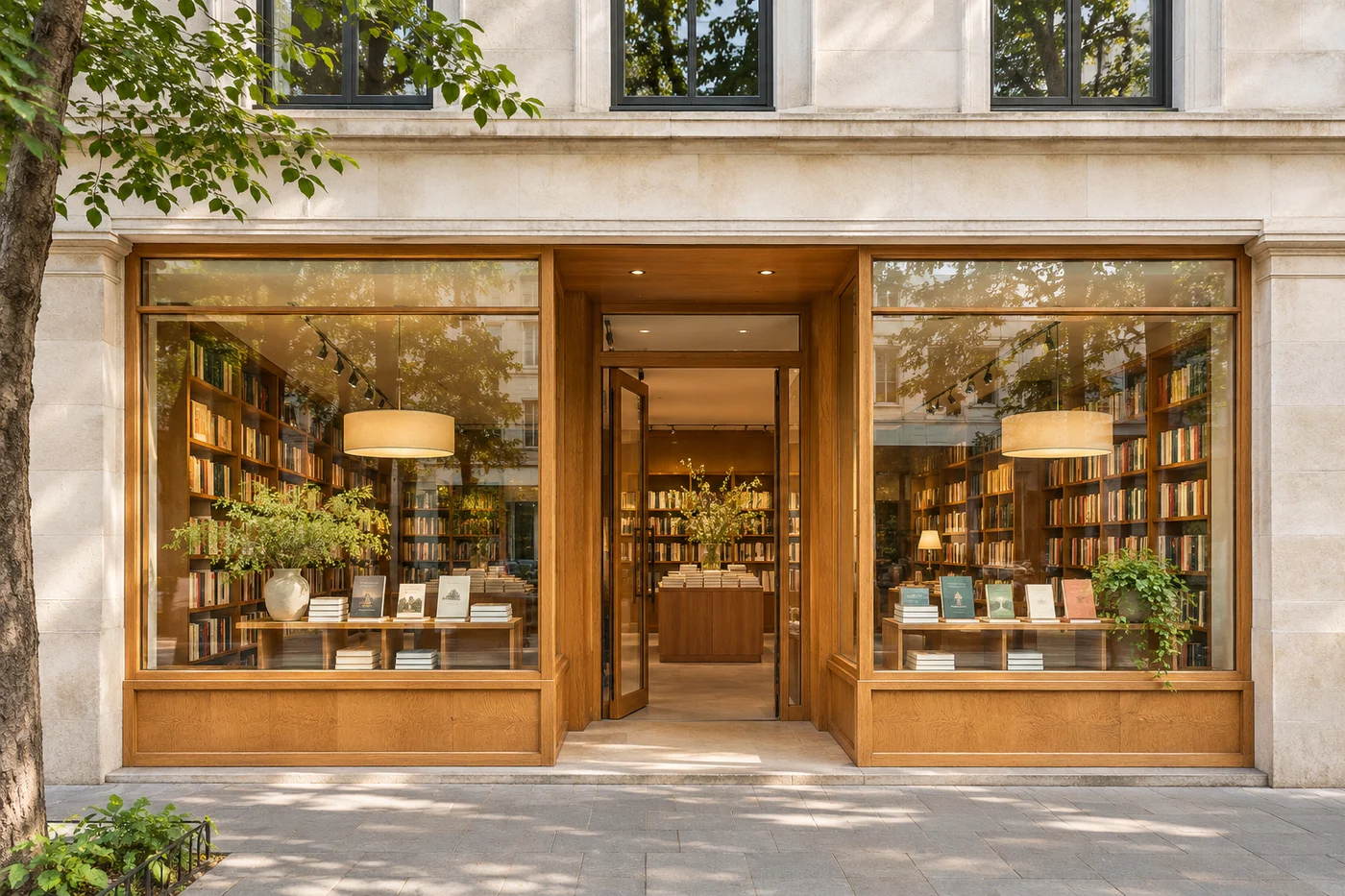
Use clearly labelled concept images to compare options and prepare a more focused design conversation.
Compare entrance and glazing ideas on a photo of the current shopfront.
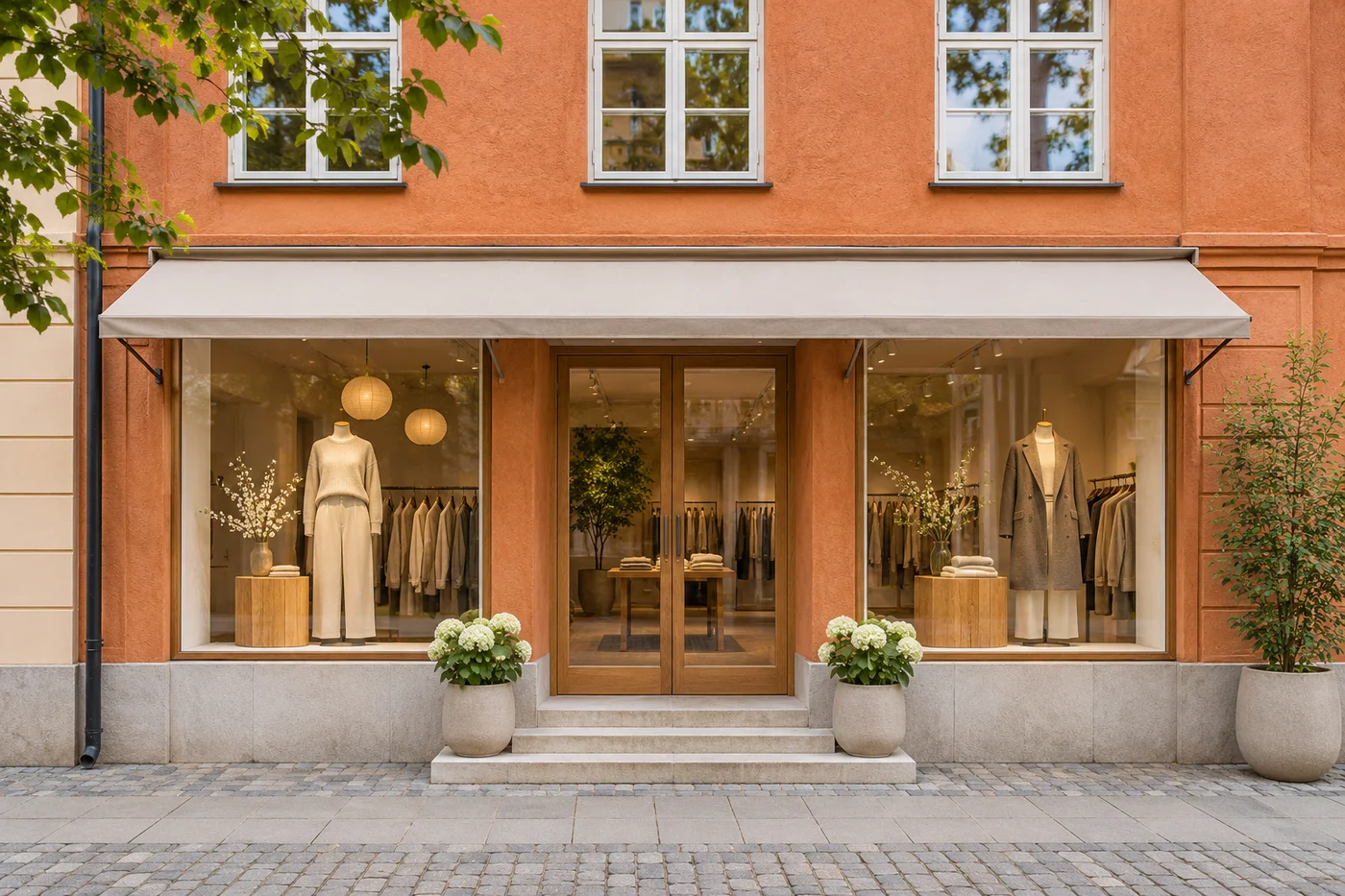
See how material and color choices change the appearance of your retail frontage.
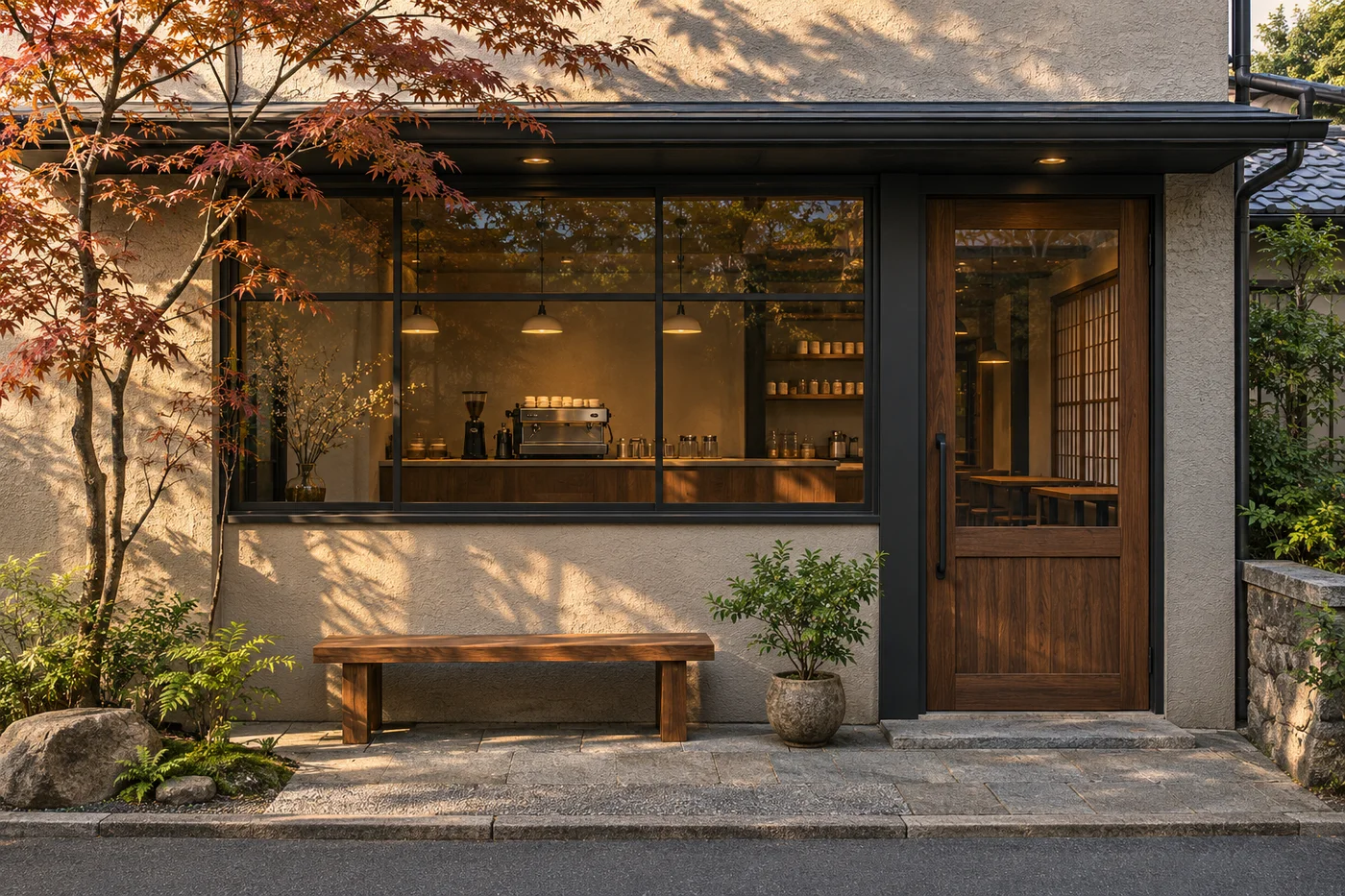
Use a concept image to explain the shopfront direction to your designer.
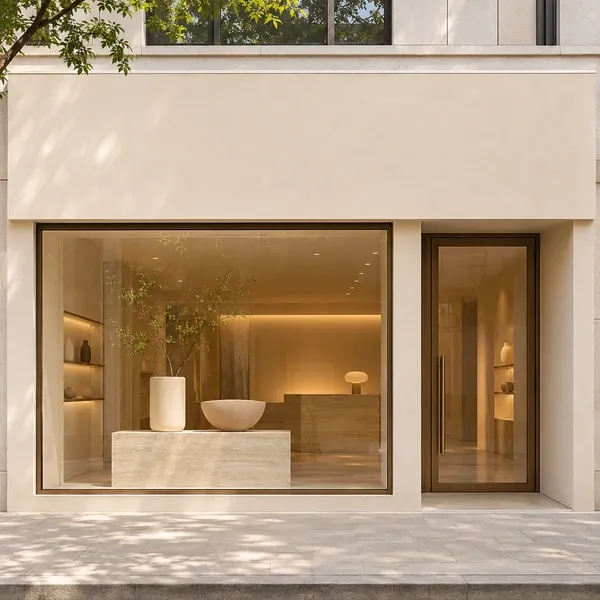
Keep several visual directions together before choosing a shopfront concept.
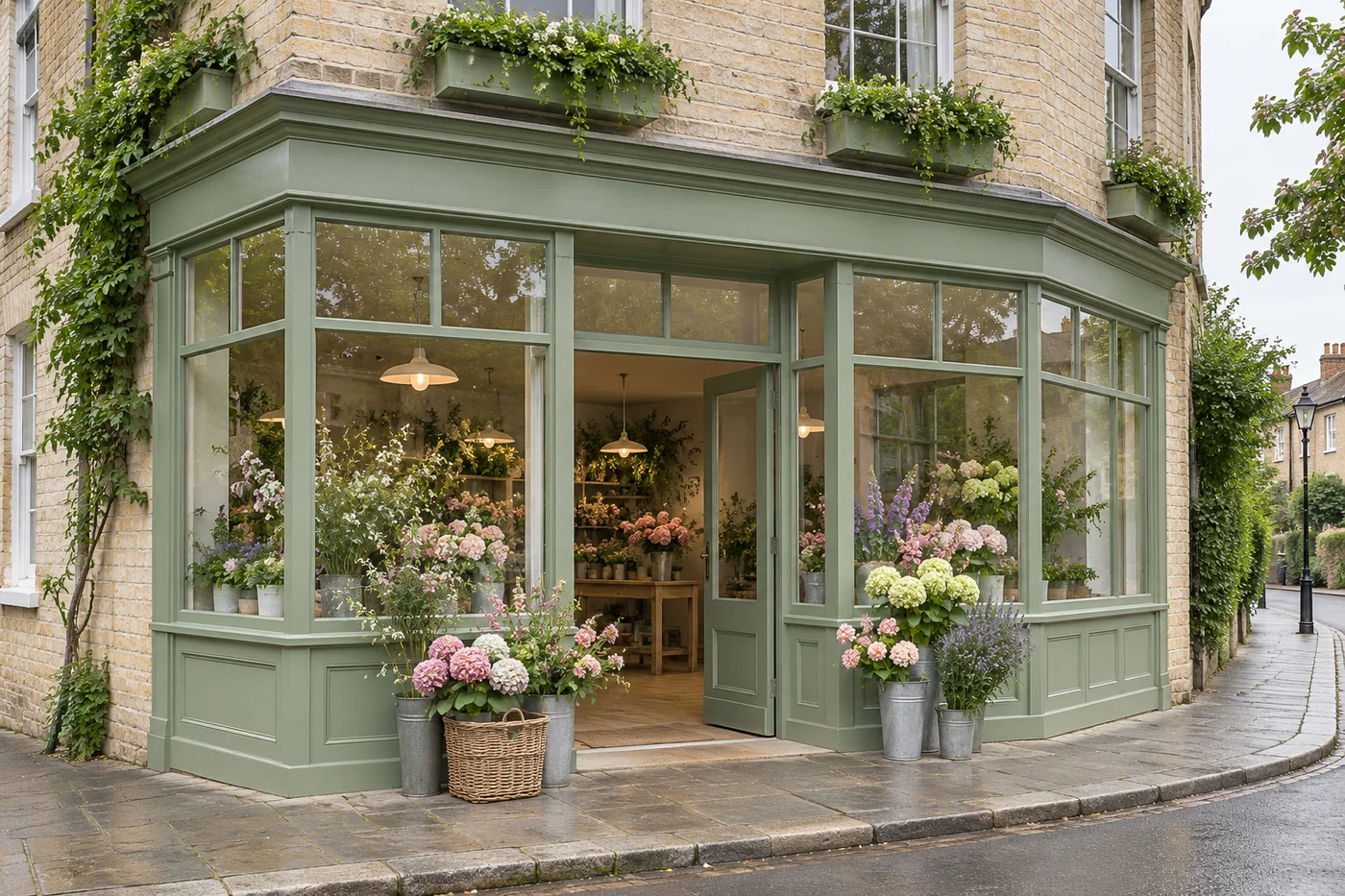
Design ideas
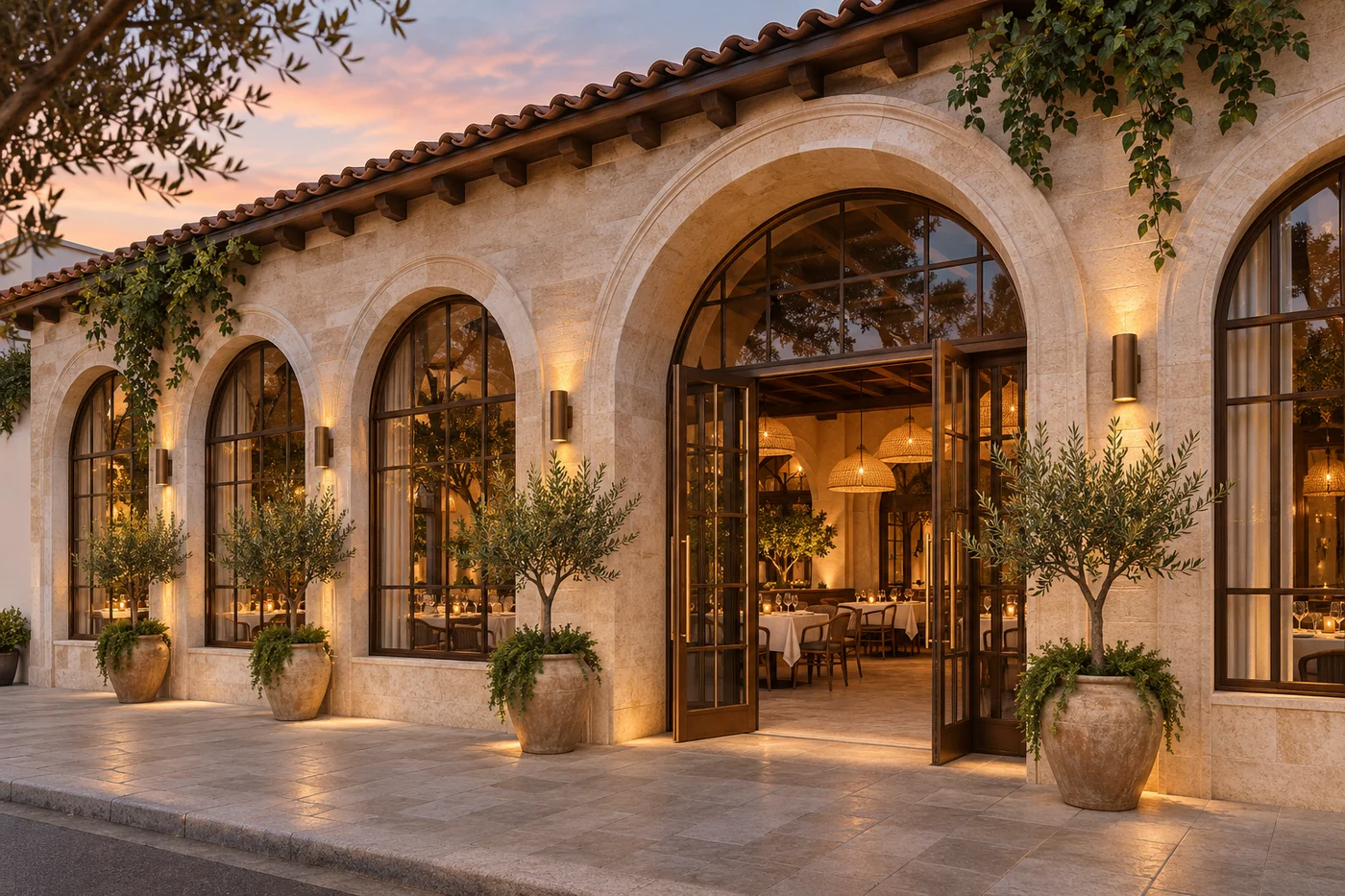
Use AI storefront design to rethink your shopfront from a photo. Explore entrances, glazing and facade finishes, then download concepts for your renovation brief.
Choose monthly billing, an annual subscription or a one-time credit pack. Purchased credits never expire; review the payment total and the generation cost that fits how often you design.
Loading designs...
For first ideas and a fresh perspective on your space.
Billed monthly · auto-renews
Credits granted each paid month. Manage your subscription in Billing.
For regular redesigns and exploring more possibilities.
Billed monthly · auto-renews
Credits granted each paid month. Manage your subscription in Billing.
For larger projects, multiple rooms and client presentations.
Billed monthly · auto-renews
Credits granted each paid month. Manage your subscription in Billing.
AI concept image only. Verify structure, dimensions, materials and local requirements with a qualified professional before building.
Contact supportUpload a front-facing shop photo and describe the entrance, glazing and facade changes you want. Use the resulting concepts to compare renovation directions.
The workflow leaves signage blank rather than inventing business names. Add final branding and approved lettering separately after reviewing the facade concept.
Use one JPG, PNG or WebP image up to 10 MB and 40 megapixels. For drawing-based tools, upload an image export of your own drawing. Architecture can also start from a written brief.
Nano-2 costs 10 credits per 1K image or 15 credits per 2K image. The total is shown before generation. Failed tasks return their reserved credits.
No. These are raster concept images, not measured CAD drawings or engineering documents. Have a qualified professional check all dimensions, structure and approvals.
Use the controls available for this tool and add a specific brief. Describe the parts to preserve and the changes you want. Sky editing uses sky and lighting preferences rather than facade style or material controls.
Yes. Choose one to four outputs and review the total credit cost before generating. Each output is saved as its own task so you can reopen and download it separately.
Timing depends on the provider, image resolution and queue. The workspace shows progress, and your account history keeps the task while it is being generated or saved.
Completed images are copied to permanent storage before the task is marked successful. Your history and download link use the saved image rather than a temporary provider link.
Confirmed generation failures return reserved credits. A temporary storage failure keeps the task pending and retries automatically. If saving cannot be completed within the retry window, the task fails and its reserved credits are returned.
Use AI storefront design to rethink your shopfront from a photo. Explore entrances, glazing and facade finishes, then download concepts for your renovation brief.